Best wordpress security plugins: Top picks to protect your site
When you pour your heart and soul into your business website, the last thing you want is for it to get hacked. It's a stomach-dropping feeling… trust me, we've seen it happen to business owners right here in the Okanagan. Suddenly, your site is down, your customer data might be at risk, and your reputation is on the line. It's a massive headache nobody has time for.
But here's the good news: you can put some powerful guards in place to protect your digital storefront. We're talking about security plugins, your website's digital bodyguards working 24/7 to keep the bad guys out. Finding the right one can feel completely overwhelming, though. Which features actually matter? Which one won't slow your site down to a crawl? That’s what we're going to figure out together.
Think of this as your friendly walkthrough of the absolute best WordPress security plugins we've seen and used for our clients. No confusing tech-speak, just straight talk on how to keep your online home base safe and sound. We’ll look at what we like about each one, what they cost, and which ones are best for specific businesses, like real estate agencies in Penticton or tourism operators in Kelowna. For each plugin, you'll find direct links and screenshots to help you see exactly what you're getting. Let's find the perfect security setup for your website.
1. WordPress.org Plugin Directory (Security category)
Before you can pick one of the best WordPress security plugins, you need a reliable place to find them. Your first and safest stop should always be the official WordPress.org Plugin Directory. Think of it as the official app store for your website, run by the same people who built WordPress itself. It's the central hub where you can find, compare, and download thousands of free security tools directly.
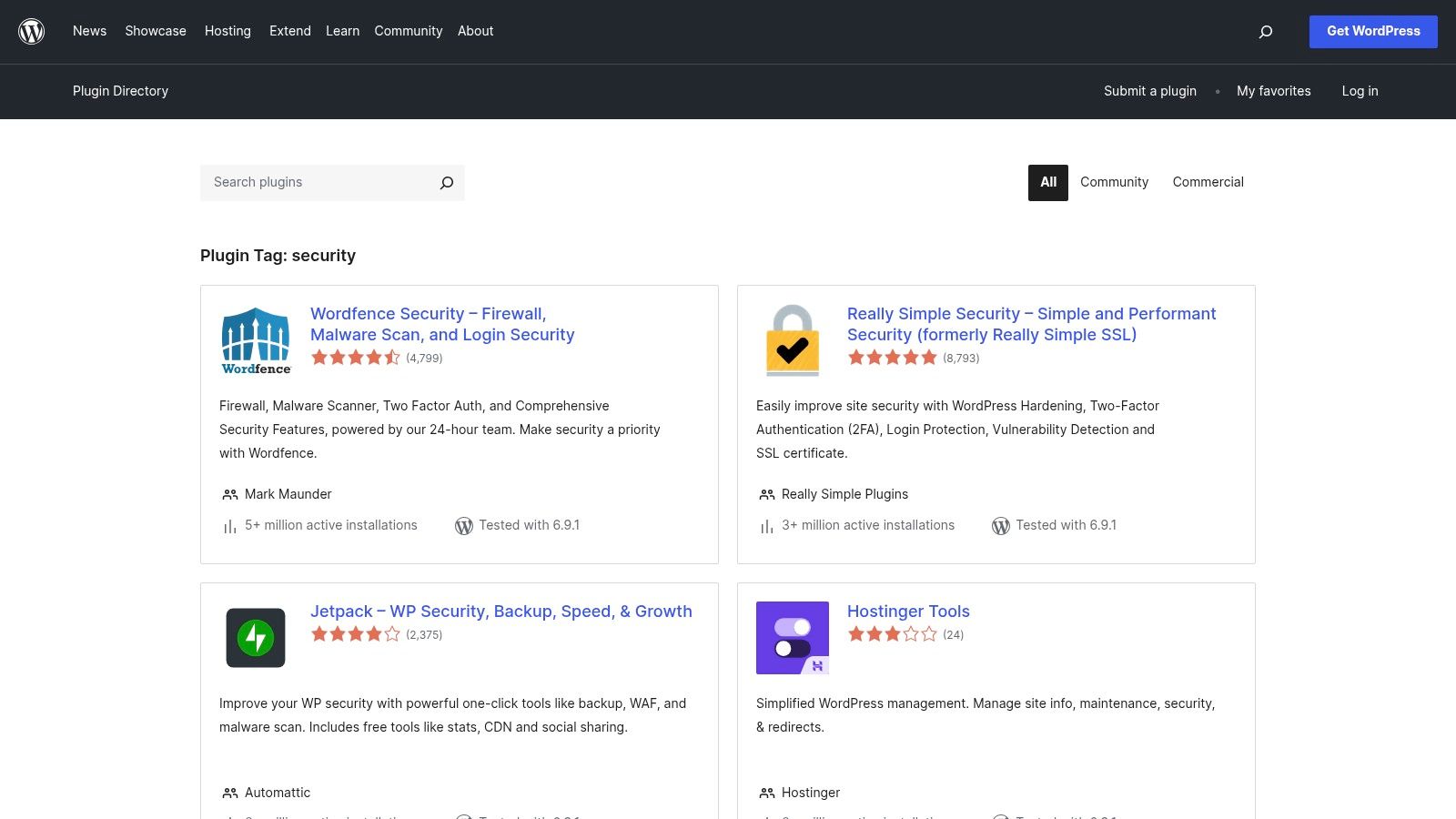
This directory is an amazing research tool. You can see how many websites are actively using a plugin, read real user reviews, check when it was last updated, and confirm it's compatible with your version of WordPress. This transparency helps you vet a plugin's reputation and reliability before you even install it. It’s also where you'll find links to the developers' premium versions if you decide to upgrade. For an extra layer of security, it's wise to pair a good plugin with an SSL certificate. If you're wondering about those, you can learn more about what an SSL certificate is and why it's so important.
Why It's a Top Resource
It's the authoritative source. This isn't a third-party review site; it's the official repository. You get direct access to free versions of plugins and the most accurate numbers for active installations and user ratings.
Pros:
Completely free to use for research and downloading plugins.
The most trustworthy source for checking plugin compatibility and update history.
Transparent user reviews and active install counts provide social proof.
Cons:
Quality can be a mixed bag; you still need to carefully research each plugin.
The directory itself offers no direct support; you have to rely on individual plugin developers.
Link: WordPress.org Security Plugins
2. Wordfence
Wordfence is one of the most recognized names in the game, and for good reason. It’s a go-to for many website owners looking for one of the best WordPress security plugins. It combines an endpoint firewall and a malware scanner into a single, powerful package. Think of it as having a dedicated security guard and a detective working on your site 24/7. The free version offers a solid baseline of protection, but the real power is unlocked with its premium services.
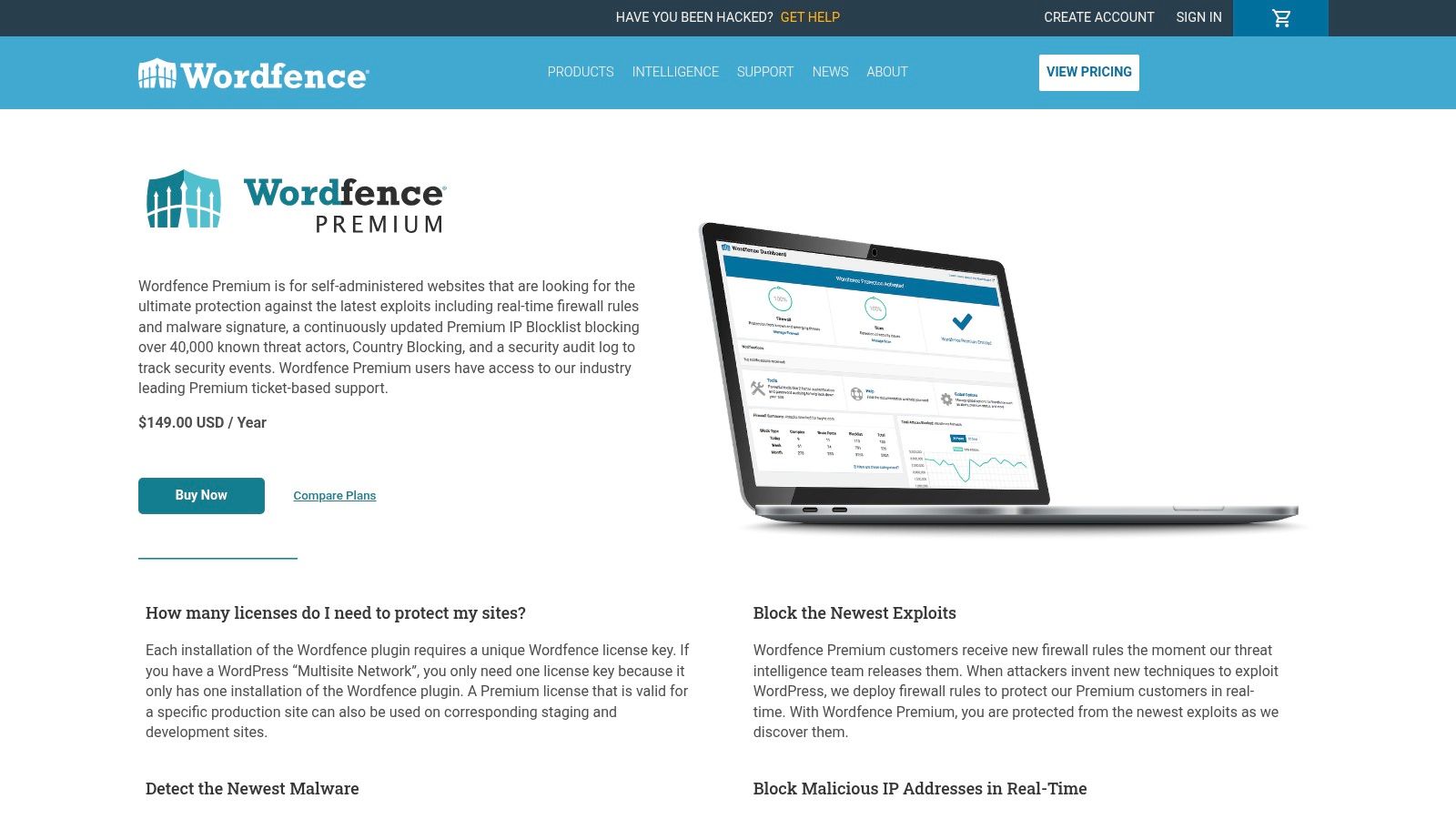
Wordfence’s main job is to sit at the edge of your WordPress installation, inspecting traffic before it hits your site. Its Web Application Firewall (WAF) identifies and blocks malicious requests, while the scanner regularly checks your core files, themes, and plugins for malware or vulnerabilities. The premium version takes this a step further with real-time updates to firewall rules and malware signatures, so you're protected from the newest threats the moment they emerge.
Why It's a Top Resource
Wordfence shines because of its proactive threat intelligence. The company behind it, Defiant, actively researches new WordPress exploits and quickly pushes protection to its users. This means premium subscribers are often protected from vulnerabilities before they're widely known.
Pros:
Excellent threat intelligence with fast updates for premium users.
Comprehensive features, including a firewall, scanner, and login security tools.
Offers multiple tiers, including fully managed incident response for serious hacks.
Cons:
As an endpoint firewall, it can use more server resources on cheaper hosting plans.
The per-site licensing model can become costly if you manage many websites.
Link: Wordfence Premium
3. Sucuri
Sucuri takes a different approach to WordPress security by focusing on protection before threats even reach your website. It's a full-on security platform best known for its cloud-based Web Application Firewall (WAF) and Content Delivery Network (CDN). Instead of just living on your server, Sucuri filters all your website traffic through its secure network first, blocking malicious requests, hackers, and DDoS attacks. This off-server protection is a huge win for performance.
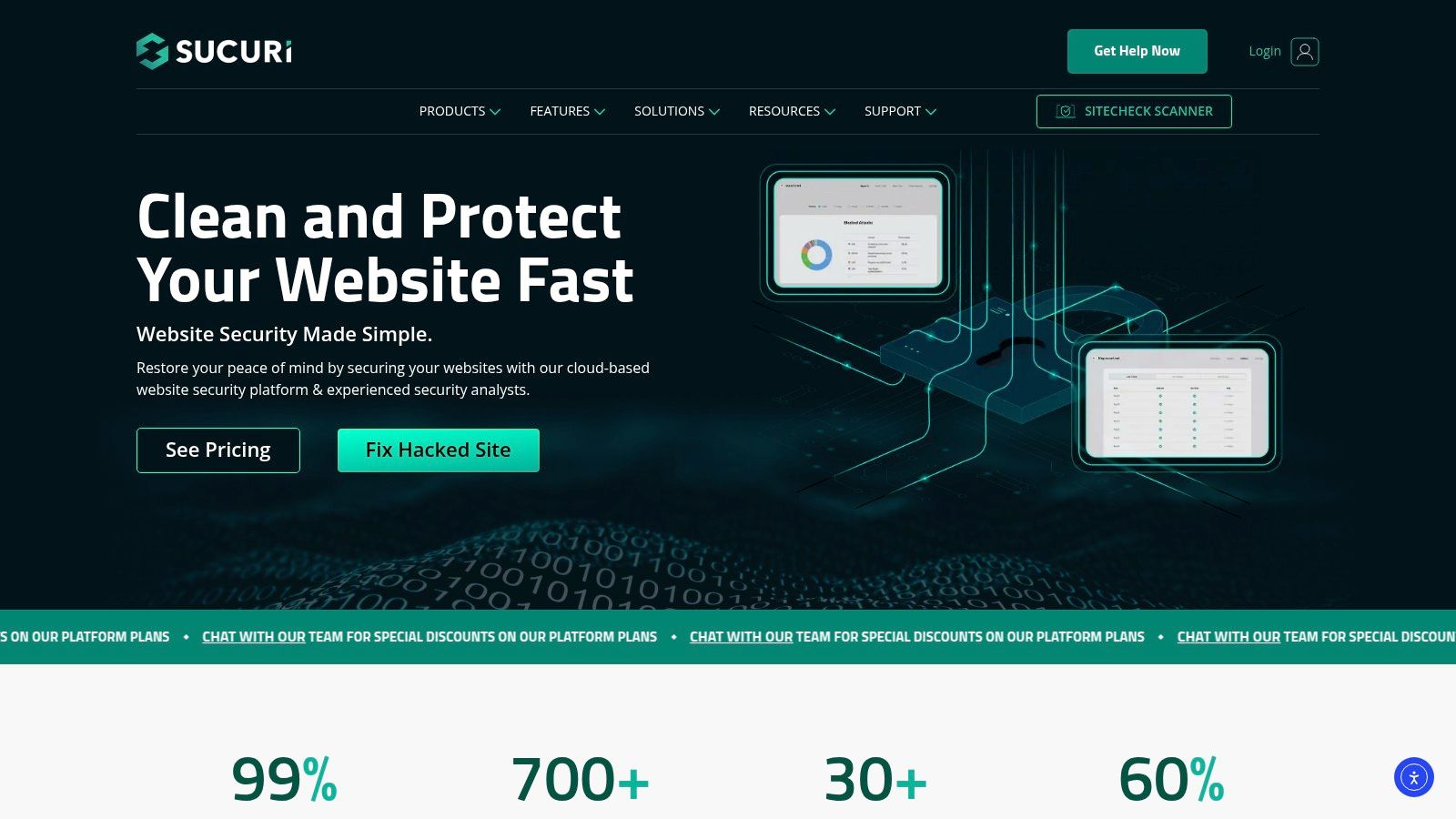
While there is a free plugin, the real magic of Sucuri is in its paid platform plans. These plans include their signature firewall, continuous malware scanning, and most importantly, unlimited malware removal and hack cleanup services. This means if your site does get compromised, their team will fix it for you… which is an invaluable service. Before any security incident happens, it's a good idea to know how to backup your WordPress website to ensure you always have a clean copy.
Why It's a Top Resource
Sucuri is one of the best WordPress security plugins because of its all-in-one, hands-off service model. It combines a proactive firewall with a reactive cleanup service, giving business owners incredible peace of mind without needing to be security experts themselves.
Pros:
Cloud-based WAF improves website speed and reduces server load.
Unlimited malware cleanup included in paid plans offers predictable costs.
Excellent for mitigating DDoS attacks and brute-force attempts.
Cons:
The full feature set is significantly more expensive than plugin-only solutions.
Requires changing your website's DNS settings, which can be intimidating for beginners.
Link: Sucuri Website Security
4. SolidWP (Solid Security Pro)
Formerly known as the hugely popular iThemes Security, SolidWP carries on the tradition of being a powerful, all-in-one security solution. It’s a fantastic choice if you want to lock down your site without getting lost in overly technical settings. The plugin focuses heavily on hardening your website’s most vulnerable areas, like the login page, and then actively monitors for threats.
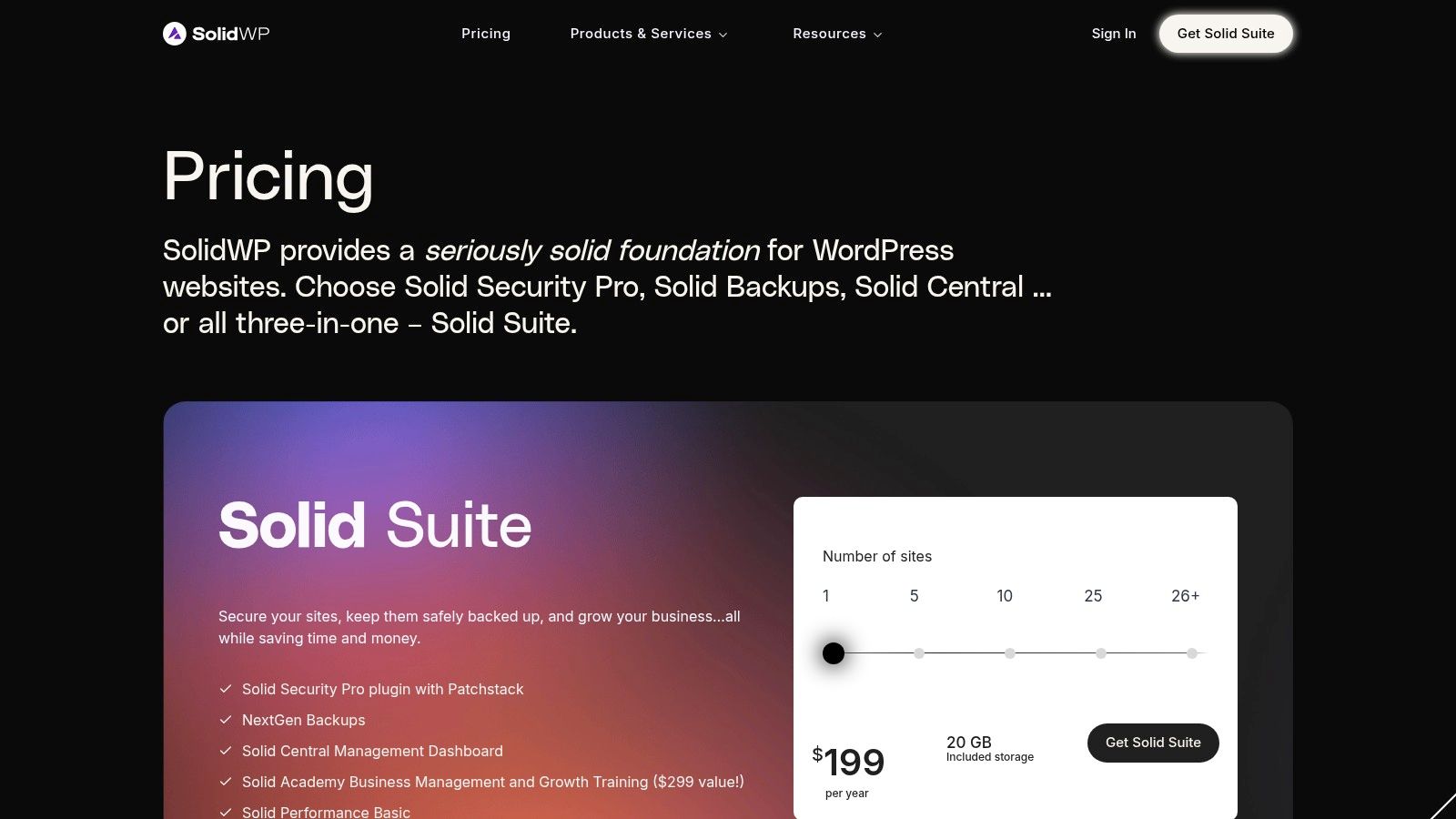
What’s really neat is their use of Patchstack for virtual patching. If a vulnerability is discovered in a plugin you use, Solid Security Pro can automatically apply a fix before the official update is even released. This gives you a critical layer of protection. Plus, the guided setup is a lifesaver, walking you through the essential steps to secure your site right from the get-go. This makes it one of the best WordPress security plugins for business owners who want confidence without complexity.
Why It's a Top Resource
SolidWP is great because it balances robust features with a user-friendly interface. It's built for real-world scenarios, offering practical tools like two-factor authentication, bot detection, and automated malware scanning that just work. For agencies or anyone managing multiple sites, the Solid Central dashboard is a game-changer, letting you oversee security for all your properties from a single place.
Pros:
Clear user experience and guided configuration is excellent for non-technical users.
Virtual patching provides proactive protection against new vulnerabilities.
Suite bundles (Security, Backups, Central) offer great value for agencies.
Cons:
Some advanced features are locked behind the Pro version or Suite tiers.
Virtual patching performance depends on integration with an external service.
Link: https://solidwp.com/pricing/
5. MalCare
MalCare takes a different approach to website security, which is great for business owners in places like Kelowna who don't want their site to slow down. It moves the heavy work of scanning for malware off your server and into the cloud. This means your website's performance isn't affected, and your visitors get a fast, smooth experience every time. It’s an intelligent system designed to find and fix threats without bogging down your operations.
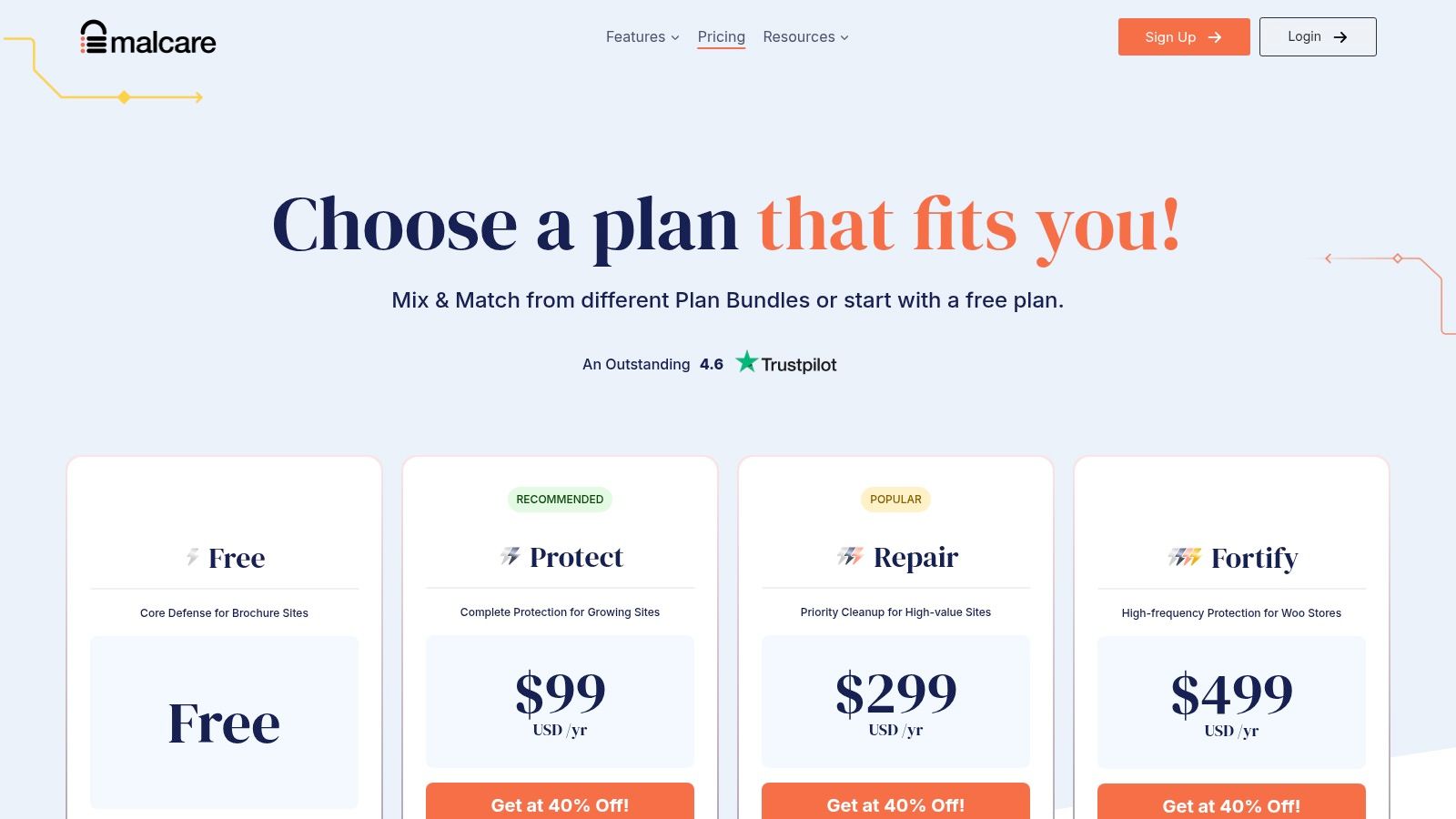
This plugin is one of the best WordPress security plugins for anyone who isn't super technical. If you discover a problem, the paid version offers a one-click cleanup that handles the mess for you, saving you a ton of stress. It also includes essentials like a real-time firewall to block bad traffic before it reaches your site, bot protection, and options to block traffic from specific countries. It’s a straightforward, powerful solution that focuses on efficiency and ease of use.
Why It's a Top Resource
MalCare's standout feature is its performance-first design. By handling scans on its own servers, it completely avoids slowing down your website, which is a common complaint with other security plugins. This focus on speed and simplicity makes it ideal for business sites where user experience is a top priority.
Pros:
Minimal performance hit on your server due to cloud-based scanning.
Simple one-click cleanup workflow is perfect for non-technical users.
Includes a strong firewall and bot protection in its core offering.
Cons:
The most valuable features, like one-click cleanup, require a paid plan.
The free version is quite limited in its capabilities.
Link: MalCare Pricing
6. Jetpack Security (Automattic)
If you're already in the WordPress ecosystem, Jetpack Security feels like a natural extension. It comes from Automattic, the same people behind WordPress.com, so the integration is seamless. It bundles several key security functions into one package, combining real-time cloud backups (powered by VaultPress), malware scanning, and anti-spam features. It's designed to be an all-in-one solution that takes the guesswork out of combining different tools.
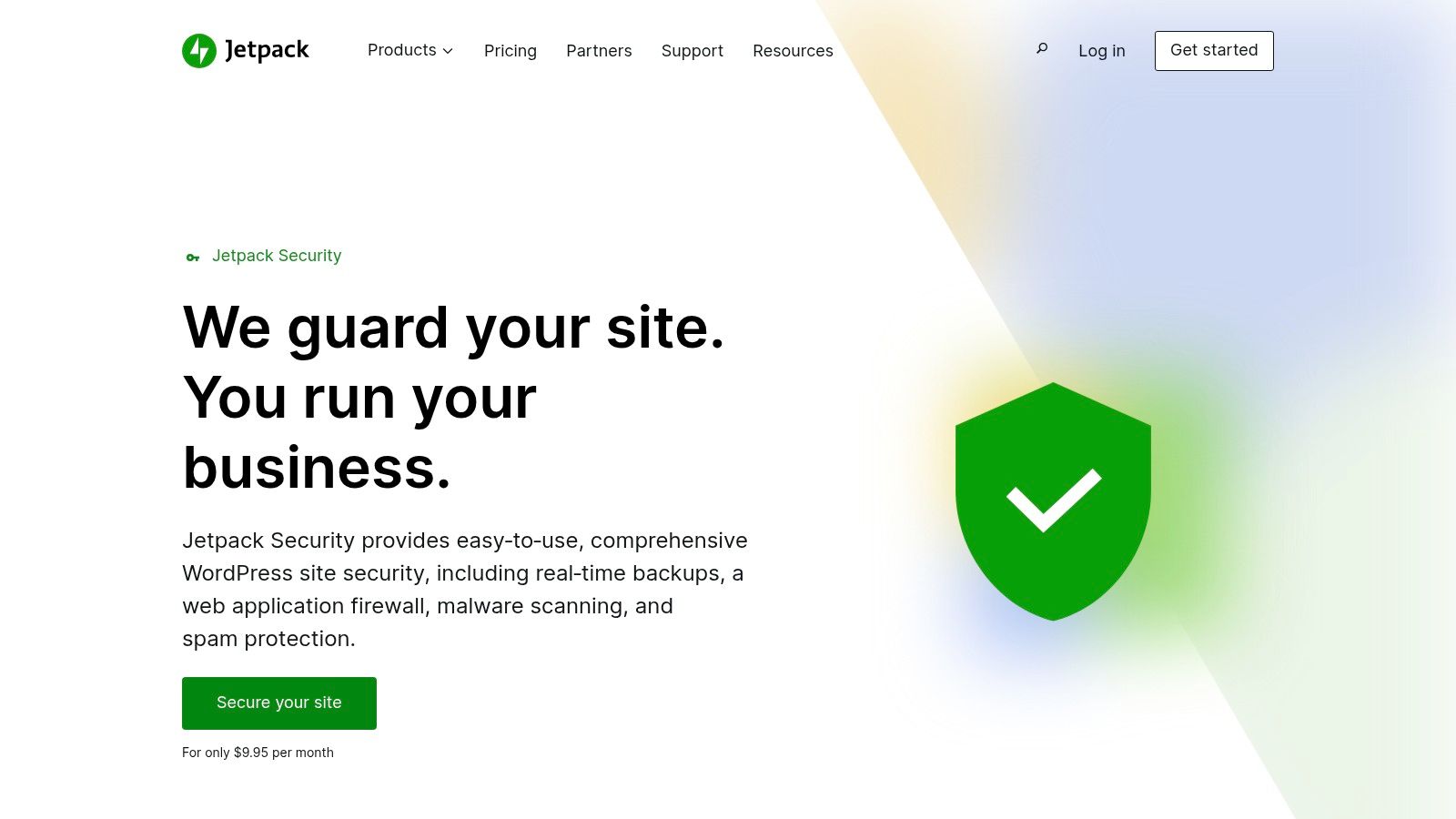
The platform links your self-hosted site to a WordPress.com account, which unlocks features like a cloud-based Web Application Firewall (WAF), one-click restores, and even management from a mobile app. This tight integration is its biggest strength, especially for business owners who want a single, trusted vendor for backups, security, and even performance enhancements. For anyone in the Okanagan looking for a straightforward security setup, this is one of the best WordPress security plugins to consider for its simplicity.
Why It's a Top Resource
Jetpack's main strength is its unified ecosystem. You're not just getting a plugin; you're tapping into Automattic's powerful infrastructure for backups, scanning, and protection. The one-click restore function alone can be a lifesaver, turning a potential website disaster into a minor inconvenience.
Pros:
Seamless integration with the WordPress.com environment and mobile app.
A single, trusted vendor for security, backups, and performance tools.
Powerful cloud-based features like real-time backups and one-click fixes.
Cons:
Key security features require a paid subscription, and costs are per-site.
You must connect your website to a WordPress.com account to use it.
Link: Jetpack Security
7. WPMU DEV – Defender Pro
If you're looking for more than just a single plugin, WPMU DEV’s Defender Pro is a fantastic option. It's part of a comprehensive membership that bundles numerous premium plugins, hosting, and expert support. This approach makes it a great value for agencies or anyone managing multiple sites who needs a full toolkit, not just one security tool. Defender Pro focuses on making security simple with one-click hardening, scheduled scans, and easy-to-understand reports.
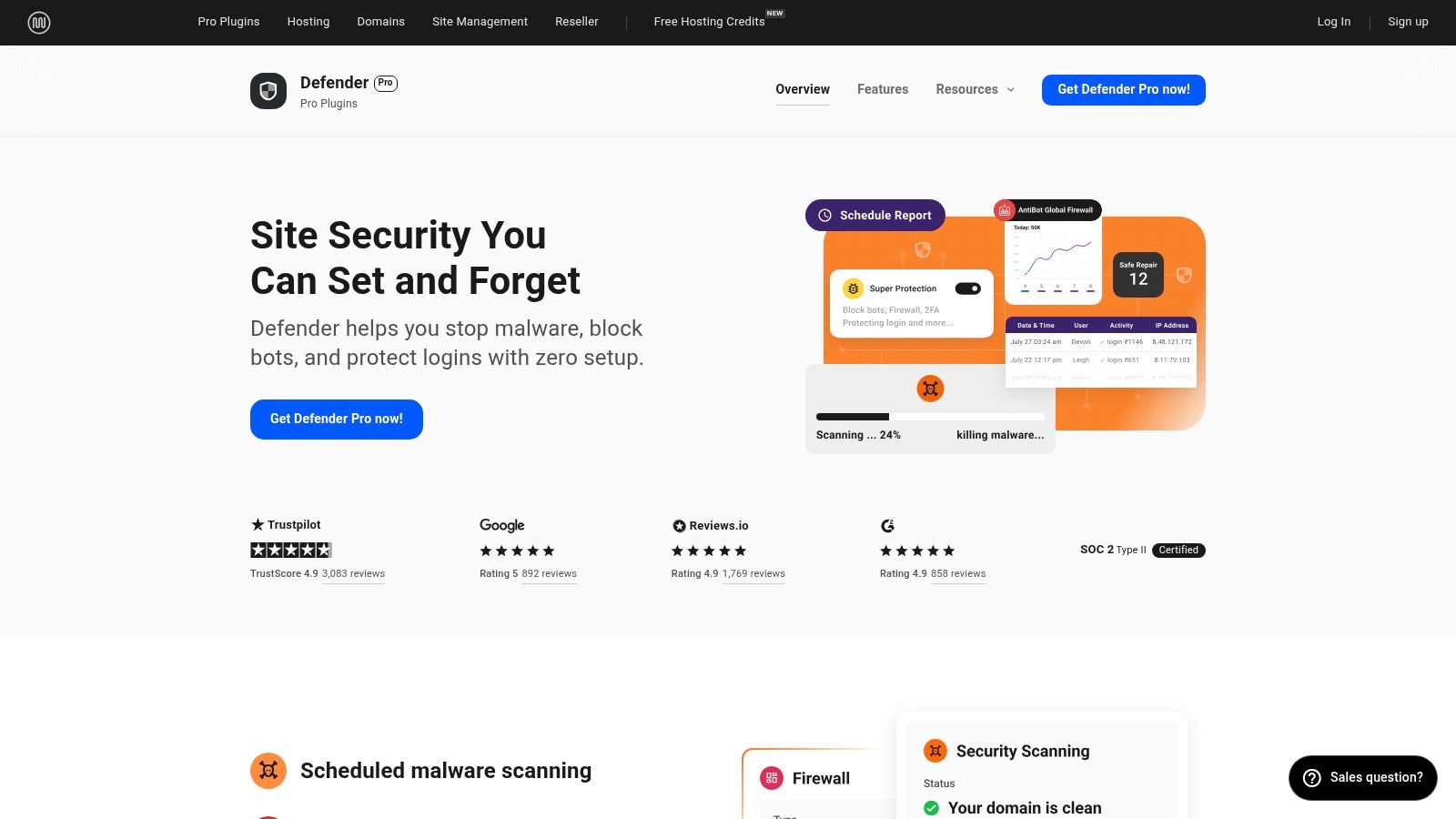
The plugin itself is robust, offering features like a global IP lockout system, two-factor authentication, and safe file repair. For agencies in the Okanagan and beyond, the white-labelling and customized client reporting features are a huge plus. It streamlines the process of managing client security, making it a key part of ongoing website maintenance and support services. It’s a powerful solution wrapped in a user-friendly package.
Why It's a Top Resource
Defender Pro's biggest advantage is its integration within the broader WPMU DEV ecosystem. You get one of the best WordPress security plugins plus a whole suite of performance, SEO, and backup tools under a single subscription. This all-in-one model simplifies licensing and support significantly.
Pros:
Excellent value as part of a membership with many other pro plugins.
Agency-friendly features like white-labelling and reports are built-in.
Strong focus on user experience with one-click security hardening.
Cons:
Requires a full WPMU DEV membership; you can't buy it separately.
Its integrated WAF is managed by their team, which may not suit users who want full control.
Link: WPMU DEV Defender Pro
8. WP Cerber
WP Cerber takes a layered approach to security, combining a web application firewall (WAF), anti-spam engine, and malware scanner into one comprehensive package. It’s designed for website owners who want detailed control over who can access their site, offering GEO rules to block traffic from specific countries and a live traffic inspector to monitor activity in real time. This makes it one of the best WordPress security plugins for stopping attacks before they even begin.
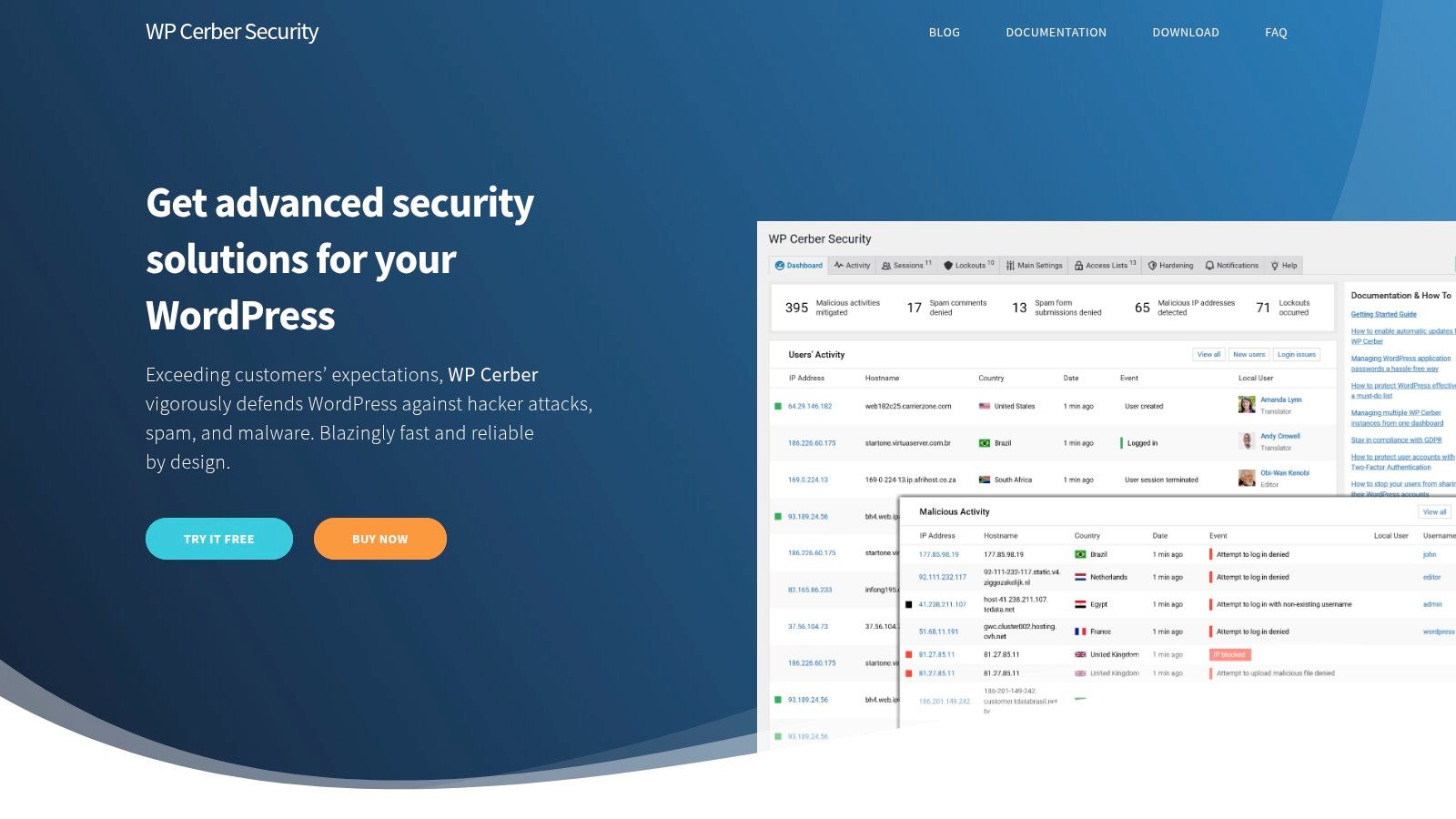
This plugin stands out with its powerful anti-spam capabilities, which protect not only your comment sections but also registration, login, and even WooCommerce forms. Its integrity checker and malware scanner work together to ensure your core files haven't been tampered with and automatically remove any threats it finds. For businesses in places like Kelowna or Penticton that need to manage local traffic while blocking international spam, the GEO access rules are a particularly useful feature.
Why It's a Top Resource
WP Cerber is a strong contender because of its focus on proactive threat defence and detailed logging. Its firewall and access rules give you the power to prevent unauthorized access from the start. The live traffic viewer provides a clear, moment-by-moment look at what’s happening on your site, helping you identify and block suspicious behaviour immediately.
Pros:
Rich access control features, including GEO rules for country-level blocking.
Excellent anti-spam engine that integrates with core WordPress and WooCommerce forms.
Detailed live traffic logging and reporting for real-time monitoring.
Cons:
Many advanced features require a paid subscription.
It's a smaller vendor, so it may not have the same level of brand recognition as larger competitors.
Link: WP Cerber Pro
9. Shield Security (iControlWP)
Shield Security takes a slightly different approach, focusing heavily on preventing bad bots before they can cause trouble. It's built to be a set-and-forget solution that works silently in the background, using smart techniques like its silentCAPTCHA to block automated attacks without annoying your real visitors. It’s an excellent choice if you’re looking for a robust tool that prioritizes automated threat defence and modern login security.
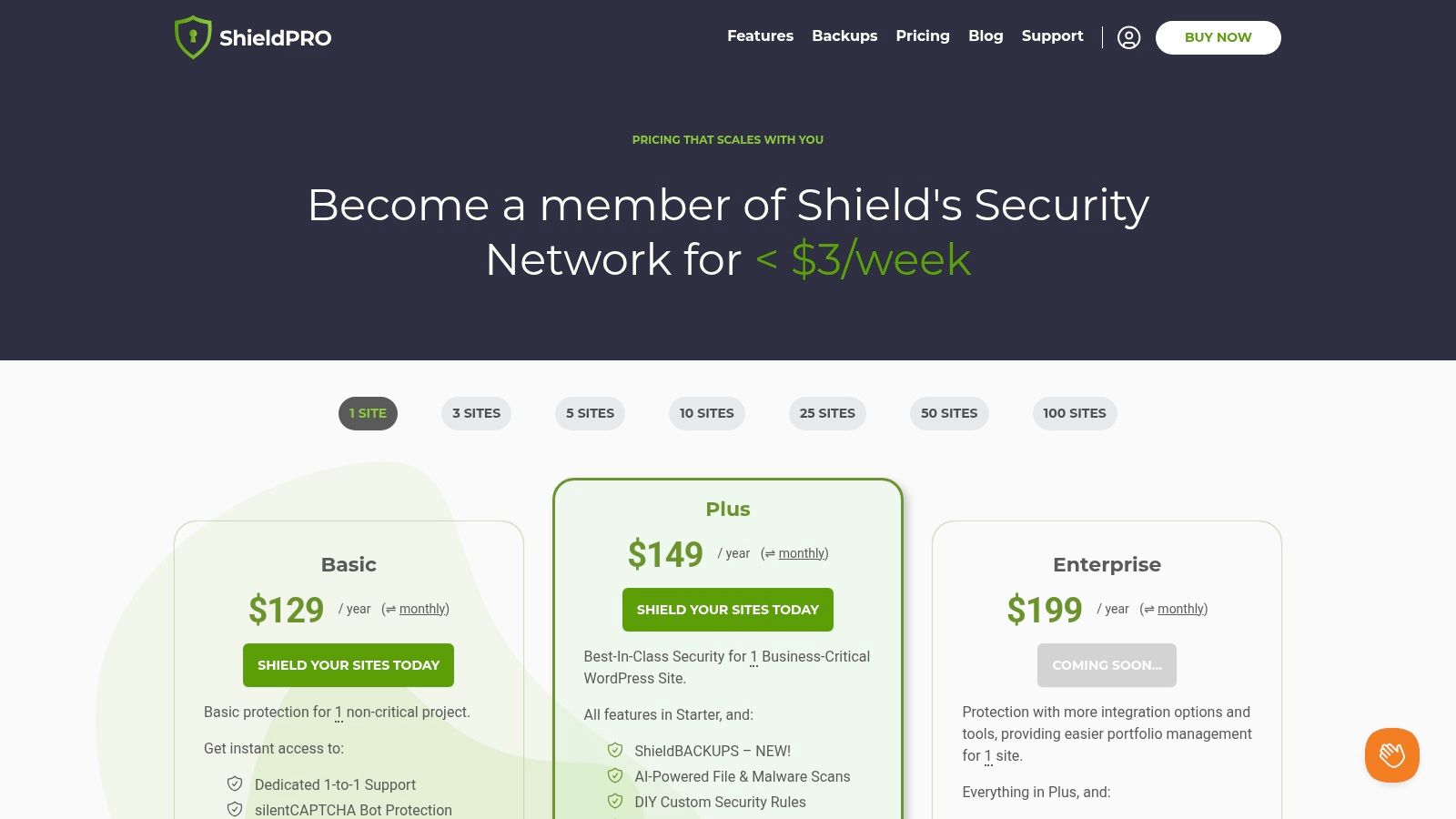
The plugin also offers some forward-thinking features, especially in its pro versions. You’ll find AI-powered malware scanning (MAL{ai}) that can detect threats other scanners might miss. For user security, it goes beyond standard codes by offering advanced two-factor authentication (2FA) options, including modern passwordless methods like WebAuthn, which lets you log in with your fingerprint or FaceID. It’s one of the best WordPress security plugins for businesses that want cutting-edge login protection.
Why It's a Top Resource
Shield's unique strength is its emphasis on intelligent bot blocking and modern authentication. It proactively stops automated threats and makes logins both easier and more secure for legitimate users.
Pros:
Powerful and unobtrusive bot protection that doesn't rely on frustrating CAPTCHAs.
Advanced 2FA options like WebAuthn provide best-in-class login security.
Clear and scalable pricing from single-site owners to large agencies.
Cons:
Many of its most powerful features are locked behind the premium tiers.
Its user base and feature set are more focused compared to all-in-one suites like Wordfence.
Link: Shield Security Plans
10. All-In-One Security (AIOS) – Premium by TeamUpdraft
All-In-One Security (AIOS) is a fantastic, feature-packed option from the same trusted team behind UpdraftPlus, one of the most popular backup plugins around. It delivers a comprehensive security toolkit that’s easy to navigate, even if you’re not a tech wizard. The plugin focuses on hardening your site's defences with a strong emphasis on user account and login security, making it one of the best WordPress security plugins for preventing unauthorized access.
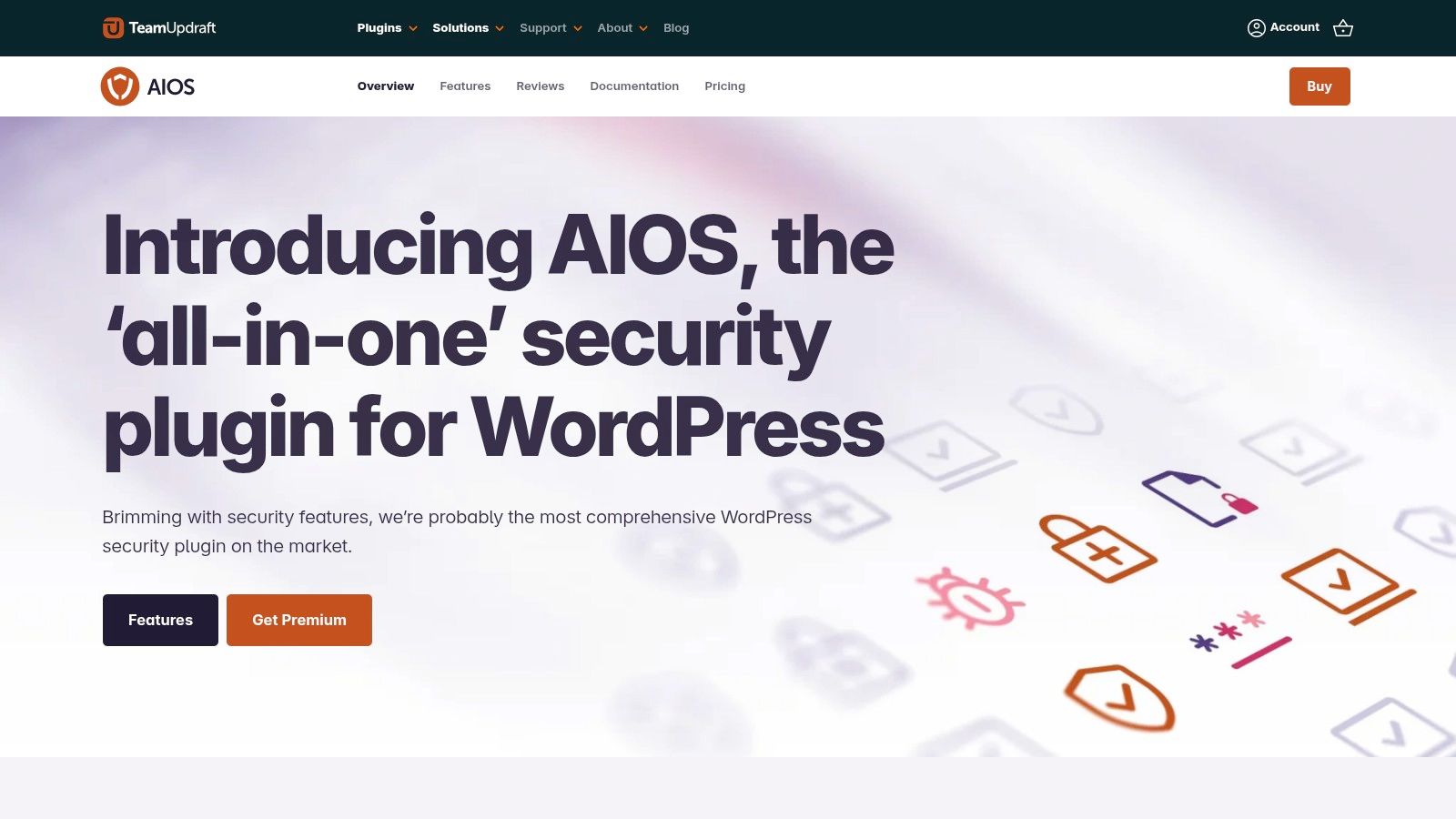
The free version alone provides robust features like login lockdown, two-factor authentication, and basic firewall protection. Upgrading to the Premium version unlocks more advanced tools like real-time file change detection, malware scanning, country blocking, and dedicated ticketed support. It’s a great pathway for growing businesses that need to scale their security as their website traffic and risk profile increase. The plugin presents its settings clearly, so you’re never left guessing what a feature does.
Why It's a Top Resource
AIOS stands out because of its balance between comprehensive features and user-friendliness. It’s powerful without being overwhelming. The connection to the reputable TeamUpdraft brand adds a significant layer of trust and reliability, ensuring it’s well-maintained and supported.
Pros:
Extremely generous free features that cover essential security needs.
Developed and maintained by the trusted team behind UpdraftPlus.
Premium adds practical, high-value features like malware scanning and uptime monitoring.
Cons:
The login lockout feature can be aggressive; you'll need to whitelist your own IP address to avoid getting locked out.
Key features like the malware scanner are only available in the paid version.
Link: All-In-One Security (AIOS)
11. Patchstack
Patchstack takes a different angle on security. It focuses on proactively identifying and blocking threats before they can even reach your website. It’s a vulnerability detection platform that uses a lightweight plugin to connect your site to its massive database of known issues in WordPress core, plugins, and themes. This makes it one of the best WordPress security plugins for agencies or anyone managing multiple client sites.
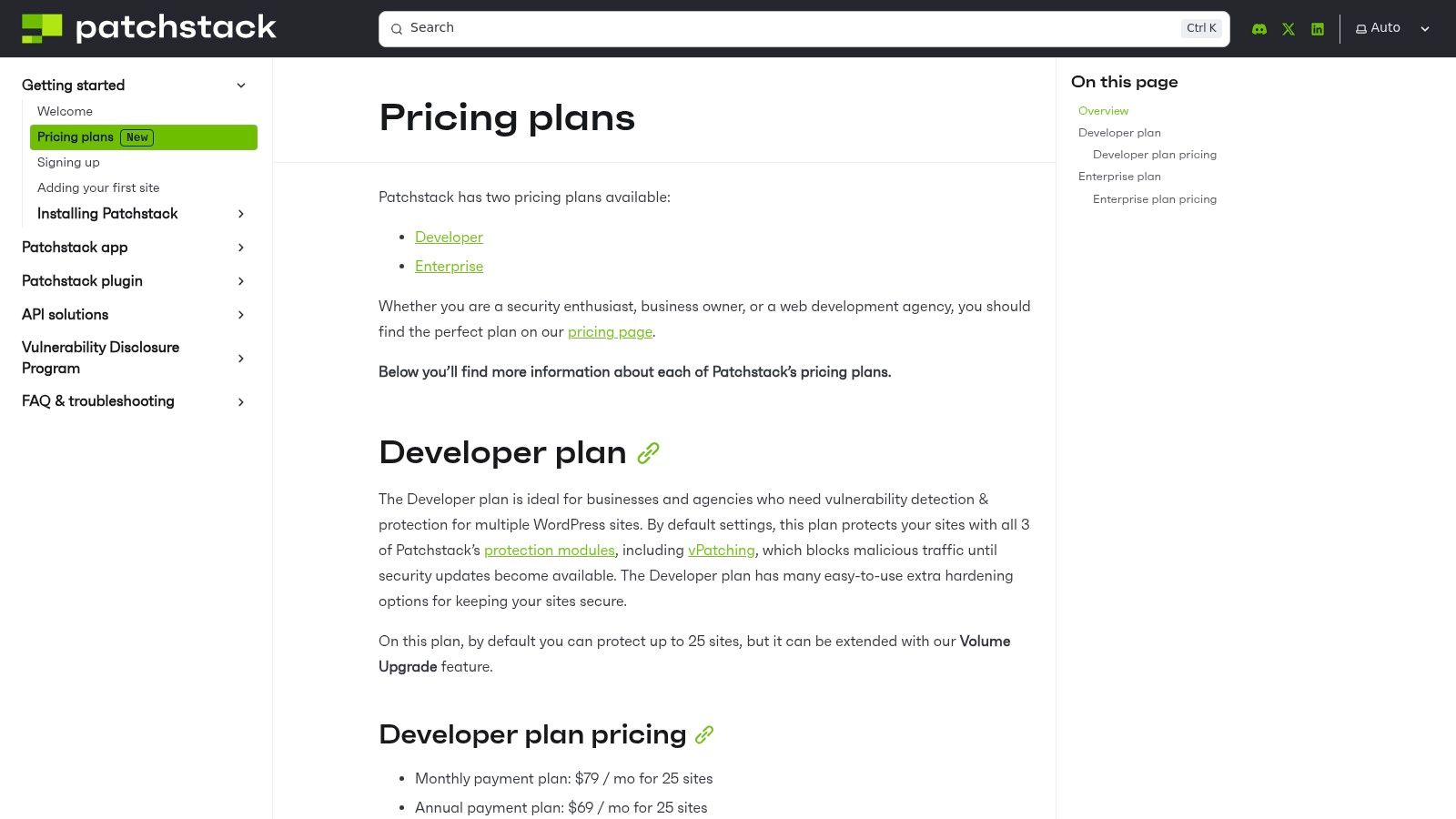
The real power here is its "virtual patching" feature. When a new vulnerability is discovered in a plugin you use, Patchstack can apply a firewall rule to block any attempts to exploit it, giving you a crucial window of safety until you can update the plugin properly. For teams managing websites for clients in the Okanagan, its reporting and alert features (which can connect to Slack) are fantastic for staying on top of potential issues across your entire portfolio.
Why It's a Top Resource
Patchstack's biggest advantage is its research-driven, proactive approach. It's all about preventing the mess from happening in the first place. Its extensive vulnerability database is constantly updated, making it an invaluable tool for any developer or agency.
Pros:
Proactively blocks exploits with virtual patching.
Excellent for managing security across multiple websites.
Provides detailed reports and alerts perfect for teams.
Cons:
It's a specialized tool, not a full malware scanning or removal suite.
Pricing is geared more towards multi-site managers than single-site owners.
Link: Patchstack Pricing
12. CodeCanyon (Envato Market)
Sometimes, a full-blown security suite is more than you need. You might just want a specific tool to solve one particular problem. For these situations, CodeCanyon is a massive marketplace where independent developers sell premium WordPress plugins, often with a one-time purchase price. It’s a great place to find niche security utilities that complement your main security setup.
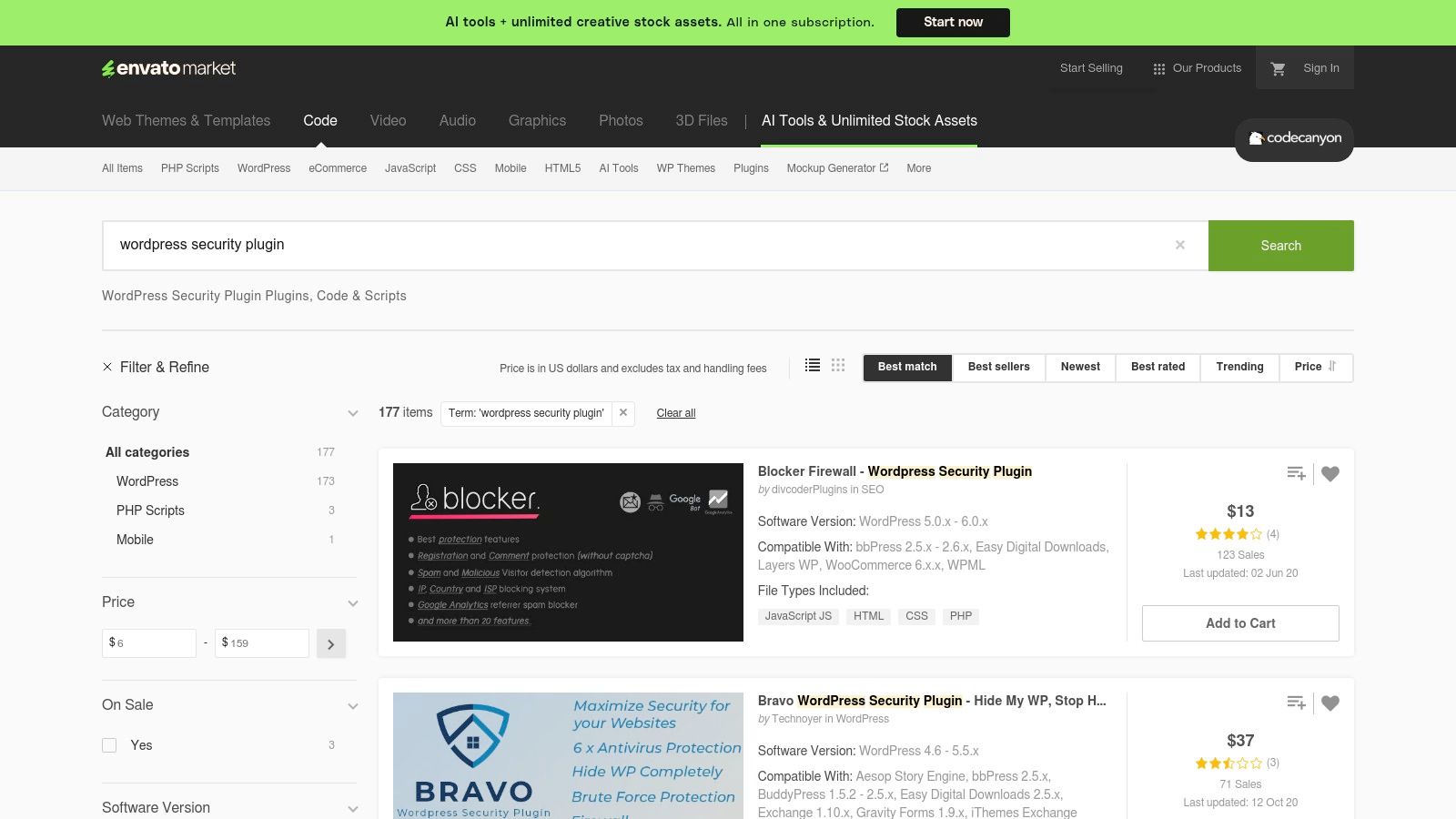
Think of it as a treasure hunt for specialized tools. You can find plugins for everything from hiding your login page to advanced IP blocking or two-factor authentication add-ons. The key is to do your research before buying. Check the plugin’s sales numbers, read the user comments, and look at the author's update history to ensure it's well-maintained. This platform is perfect for finding a single, cost-effective solution to plug a specific gap in your website's defence.
Why It's a Top Resource
CodeCanyon is a valuable spot on this list because of its focus on specialized, single-purchase plugins. While you won't typically find all-in-one suites with ongoing malware removal services here, you will find hundreds of unique tools that solve very specific security challenges, making it an excellent source for supplementing other best wordpress security plugins.
Pros:
Great source for niche tools that complement primary security plugins.
Many plugins are available for a one-time fee, avoiding subscriptions.
Transparent changelogs and visible update cadence help you vet quality.
Cons:
Plugin quality varies greatly by author and requires careful vetting.
Most items are not full security suites and don't include a WAF or cleanup services.
Support is dependent on the individual plugin author.
Link: CodeCanyon WordPress Security Plugins
Top 12 WordPress Security Plugins — Features & Pricing Comparison
| Product | Key features | Performance & deployment | Target audience | Pricing & value | Standout / USP |
|---|---|---|---|---|---|
| WordPress.org Plugin Directory (Security category) | Discovery, ratings, install counts, changelogs | Repository only — no runtime impact | Site owners researching plugins, developers | Free authoritative resource | Official directory with transparent metrics and compatibility info |
| Wordfence | Endpoint WAF, malware scanner, 2FA, brute‑force protection | On-server scanning can add overhead on low‑resource hosts | Site owners wanting full endpoint protection | Free basic, Premium per‑site licensing | Fast signature/WAF updates, managed incident response options |
| Sucuri | Cloud WAF/CDN, DDoS mitigation, monitoring, cleanup SLAs | Off‑server filtering reduces load; requires DNS/WAF changes | SMBs needing cloud WAF and guaranteed cleanups | Paid plans for full features (higher cost) | Cloud WAF + included malware cleanup and DDoS protection |
| SolidWP (Solid Security Pro) | Login hardening, vulnerability scanning, Patchstack virtual patches, centralized management | Lightweight plugin; central dashboard for multi‑site | SMBs and agencies wanting guided setup and bundles | Freemium; Pro/Suite and agency bundles | Guided UX and agency bundles (Security, Backups, Central) |
| MalCare | Cloud AI scanning, firewall, one‑click malware cleanup, geo/blocking | Off‑server scans minimize server load | Non‑technical site owners seeking simple cleanup | Limited free plan; paid tiers for cleanup & realtime | Simple one‑click cleanup workflow with minimal performance hit |
| Jetpack Security (Automattic) | Real‑time backups, cloud WAF, malware scanning, anti‑spam, uptime monitoring | Cloud services reduce server load; requires Automattic account | WordPress.com users, SMBs wanting integrated backup + security | Paid plans per site; bundled features | Tight WordPress.com integration and single‑vendor backup+security |
| WPMU DEV – Defender Pro | Scheduled scans, safe file repair, global firewall, audit logs, reporting | Hosted/global WAF reduces local load; membership model | Agencies and teams needing white‑label reporting | WPMU DEV membership (bundled value) | Agency‑friendly tools, white‑labeling and multi‑plugin bundle |
| WP Cerber | Traffic Inspector WAF, GEO rules, malware scanning, anti‑spam, live traffic logs | On‑site controls; detailed logging may use resources | Sites needing granular access control and spam mitigation | Freemium; Pro unlocks advanced features/support | Rich access controls and live traffic viewer |
| Shield Security (iControlWP) | silentCAPTCHA bot blocking, AI malware scans, WebAuthn 2FA, rate‑limiting | Automated bot mitigation; lightweight options | Single sites to agencies seeking modern 2FA & bot protection | Clear tiered pricing; advanced features in Pro | Modern 2FA (WebAuthn) and AI‑assisted malware scans |
| All‑In‑One Security (AIOS) – Premium | Login hardening, CAPTCHA/Turnstile, lockouts, firewall rules, file change detection | Generally lightweight; lockouts require careful config | Users who want strong free features with optional upgrades | Generous free tier; Premium add‑ons via TeamUpdraft | Large free feature set from UpdraftPlus/TeamUpdraft team |
| Patchstack | Vulnerability DB, virtual patching, alerts, team reporting | Lightweight detection focus; scalable across many sites | Agencies and security teams managing portfolios | Paid plans optimized for multi‑site | Research‑driven vulnerability database + vPatching |
| CodeCanyon (Envato Market) | Marketplace of niche security plugins, one‑time licenses, author support | Varies by author — performance differs plugin‑to‑plugin | Developers and site owners needing specialized tools | One‑time purchases; quality varies by author | Source for niche/specialized security utilities and one‑time licenses |
So, What's the Next Step for Your Website's Security?
Whew, that was a lot of information, wasn't it? We’ve explored a dozen different avenues for protecting your WordPress site, from all-in-one powerhouses like Wordfence and Sucuri to specialized tools like Patchstack. It can feel a bit overwhelming, like standing in a hardware store trying to pick the perfect lock for your front door. They all look good, but which one is right?
The biggest takeaway should be this: doing something is infinitely better than doing nothing. A WordPress site without a dedicated security plugin is like leaving that front door wide open. You don't need to become a cybersecurity expert overnight. The goal is to take a proactive first step.
Making the Right Choice for Your Business
Let's break it down to help you decide. There isn't a single "best wordpress security plugin" for every single person. The right choice really depends on your specific situation.
Think about these key factors:
Your Technical Comfort Level: Are you comfortable diving into settings, whitelisting IP addresses, and analyzing scan logs? A tool like WP Cerber or Shield Security might be a great fit, offering deep customization. If you’d rather have something that just works out of the box with minimal fuss, a managed solution like MalCare or Jetpack Security could be your best bet.
Your Budget: The good news is that you can get a solid baseline of protection for free. Plugins like Wordfence, All-In-One Security (AIOS), and the free tier of Solid Security offer fantastic value. They cover the essentials like a firewall, login protection, and basic malware scanning. For businesses like a growing Okanagan real estate agency or a popular tourism blog, investing in a premium plan is a wise move. The real-time protection and automated clean-up services are worth every penny for the peace of mind they provide.
Your Website's Function: An e-commerce site processing payments has very different security needs than a simple portfolio site. If you're handling customer data, a premium plugin with a robust Web Application Firewall (WAF) and proactive malware removal, like Sucuri or Defender Pro, is practically non-negotiable.
Putting Your Plan into Action
Once you've chosen a plugin, the work isn't quite done. Remember, these tools are most effective when they're part of a larger security strategy. Don't forget the fundamentals.
Here’s your immediate action plan:
Start with One Plugin: Pick the one that best fits your needs and install it. Avoid the temptation to install multiple comprehensive security plugins at once, as they can conflict and slow your site down.
Run the Initial Setup: Most of the best wordpress security plugins have a setup wizard. Follow it carefully. This is where you’ll configure the firewall, set up login alerts, and schedule your first malware scan.
Harden Your Site: Go beyond the plugin. Use strong, unique passwords for all user accounts (especially administrators). Keep your WordPress core, themes, and other plugins updated religiously.
Schedule Regular Check-ins: Set a reminder to log in once a week or so. Check the security dashboard, review any alerts, and make sure everything is running smoothly.
Securing your website is an ongoing process… like maintaining your storefront in downtown Kelowna. You sweep the floors, wash the windows, and make sure the locks are working. Your website deserves that same consistent care. It's your digital home base, and protecting it is one of the most important investments you can make in your business's future.
At Navigator Multimedia, we believe you should be focused on running your business, not stressing over malware scans and firewall rules. We build, manage, and secure websites for amazing local businesses across the Okanagan, ensuring their online presence is a powerful and safe asset. If you’d prefer a partner to handle the technical heavy lifting, let’s talk.