What Is User Interface Design? A Simple Guide for Business Owners
Ever landed on a website and just… felt at ease? Finding what you needed was a breeze, the colours were pleasing, and everything just worked. That effortless, enjoyable experience? That’s the magic of great user interface (UI) design.
It's all about how your website looks and feels to a visitor. UI design covers every single visual element they interact with—from the buttons they click and the text they read, to the images and spacing that guide their eyes across the page. It's the digital first impression, and it matters… a lot.
So, What Is User Interface Design, Really?
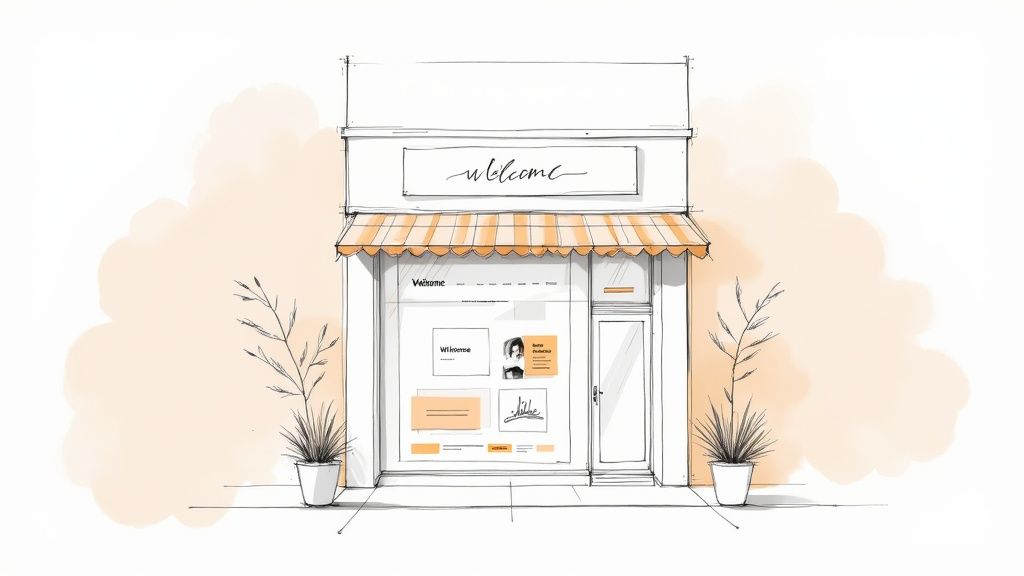
Okay, let's make this simple. Picture your website as your digital storefront here in Kelowna. You wouldn’t want customers walking into a messy, disorganized shop where products are hard to find, would you? Of course not. You’d want clear signage, well-organized displays, and a checkout counter that’s easy to spot.
That’s exactly what UI design does for your online presence. It’s the virtual welcome mat, the helpful aisle markers, and the intuitive layout that guides people smoothly from the front door to the checkout. It turns a basic, functional site into a destination that people genuinely enjoy visiting.
Why That First Impression is Everything
We all know people judge a book by its cover, and they absolutely judge a business by its website. It’s just human nature. A clean, professional, and intuitive interface builds immediate trust. It sends a clear signal to visitors: "We're a credible business, and we care about your experience."
On the other hand, a clunky or dated design can be a total deal-breaker. If a button is confusing or the text is a nightmare to read, potential customers won't hesitate to click away—often straight to someone else. It can be frustrating to see that happen, especially when you know you offer a great service.
A thoughtfully designed user interface is your silent, 24/7 salesperson. It works tirelessly to guide visitors, anticipate their needs, and give them the confidence to take that next step with your business.
Getting Down to the Visual Details
When we dig into UI, we're talking about the tangible, visual pieces a user sees and interacts with. This is about crafting an experience that feels both beautiful and effortless.
Here’s a quick look at the visual elements that create a great first impression for your visitors.
| Key Parts of Your Website's User Interface | |
|---|---|
| UI Element | How It Helps Your Customer |
| Buttons & Calls-to-Action (CTAs) | They need to be obvious and inviting, telling people exactly what happens when they click. No guesswork needed. |
| Typography | The fonts you choose must be legible on any screen, from a large desktop in Vernon to a smartphone in Penticton. |
| Colour Palette | Colours do more than look nice—they set the mood, direct attention, and reinforce your brand's unique personality. |
| Layout & Spacing | A clean, well-organized layout prevents visitors from feeling overwhelmed and helps them find information quickly. |
Getting these core components to work together in harmony is the foundation of great custom web design. When the UI is done right, your website looks amazing and drives real results for your business.
The Building Blocks of an Effective UI
So, what separates a frustrating website from one that just… works? It all boils down to a handful of core principles that build an experience feeling natural and intuitive for your customers from the moment they land on your site.
This is all about clear communication. Think of it like a well-loved local Penticton cafe. You know exactly where to order, where to pick up your coffee, and where to sit without a second thought. That same feeling of comfort and clarity is what we aim for with your website's UI.
Creating a Clear Visual Path
A UI’s most important job is to guide your visitor’s attention where it needs to go. We call this visual hierarchy, which is just a fancy way of saying we make the important stuff stand out.
We do this by using size, colour, and placement to create a clear path for the eye to follow. The main headline should be the biggest, boldest thing on the page. That "Contact Us" button? It should be bright and easy to spot. It’s a subtle art, but it makes a world of difference in helping visitors find what they need without feeling lost.
This thoughtful approach is a key part of our process for graphic design for the web, making sure every single element serves a purpose.
The Power of Consistency
Have you ever been on a site where one button is blue and square, but on the next page, a similar one is green and round? It's jarring and confusing. Consistency is the secret ingredient that makes a website feel stable and trustworthy.
When your interface is consistent, users don't have to re-learn how things work on every page. They can navigate with confidence because the design elements behave exactly as they expect.
This means using the same styles for similar elements across your entire site.
-
Buttons: All primary call-to-action buttons should share the same colour and shape.
-
Headings: Your main headings (like the ones on this page) should look the same everywhere.
-
Links: Every clickable link should be styled identically, so users instantly recognize it.
This consistency builds a powerful sense of familiarity and reliability, making your whole website feel more professional. It’s a small detail with a massive impact on how people see your business.
Choosing the Right Colours and Words
Colours aren't just for decoration; they set a mood. Blues often feel calm and trustworthy, while a vibrant orange can create a sense of energy and excitement. A well-chosen colour palette reinforces your brand’s personality and can even influence how a visitor feels about your services.
And then there's typography—the fonts you choose. The goal here is simple: readability. A clean, legible font makes sure your message comes across clearly, whether someone is browsing from their office in West Kelowna or on their phone by the lake. When the words are easy to read, people are far more likely to stick around and actually hear what you have to say.
How UI Design Became a Business Essential
Believe it or not, user interface design wasn't always a big deal for businesses. For a long time, simply having a website—any website—was good enough. But today, it’s a completely different story. A strong UI is now a cornerstone of a successful business, and it’s helpful to know how we got here.
The shift really began with a few early innovators who showed the world that making technology easy and enjoyable to use was smart business. Think back to the first time you picked up a device and it just worked—no manual needed. That’s the magic. This evolution turned complex machines into everyday tools anyone could use.
That very same principle now applies directly to your website. A great design builds trust and makes people genuinely want to see what you have to offer.
From Lab Experiment to Your Website
The roots of modern UI design stretch back to pioneering research in the 1970s, where things we take for granted—like windows, icons, and the mouse—were first dreamed up. But it was the launch of the Apple Macintosh in 1984 that truly brought these ideas into our homes. That moment was a turning point, transforming UI from a niche academic concept into a must-have for consumer products. Suddenly, good design was a real competitive edge.
A well-designed user interface isn't a luxury anymore; it's an expectation. Your customers are used to seamless experiences on other platforms, and they expect the same from your business.
Understanding this journey makes it clear why investing in a solid UI is so crucial for any modern business, whether you're selling real estate in West Kelowna or running a tourism company in Penticton. It's a growth strategy that has been tested and refined for decades.
Why Your Business Can't Afford to Ignore UI
So, what does all this mean for you right now? Simply put, a clunky or confusing website is actively costing you customers. When someone lands on your site, they form an opinion in seconds. Does this look professional? Can I find what I need? Do I trust this company?
A strong UI answers every one of those questions with a confident "yes."
-
It builds instant credibility: A clean, modern interface tells visitors you’re a professional and trustworthy operation.
-
It guides your customers: Great UI gently leads people to your most important pages, whether that's your services or your contact form.
-
It increases conversions: When a website is easy and pleasant to use, people are far more likely to stick around, make a purchase, or reach out.
This historical shift has turned websites from simple digital brochures into powerful business engines. If you feel like your site could be doing more to attract and keep customers, improving its user interface is one of the smartest investments you can make. You can contact us to learn how we can help.
Understanding the Difference Between UI and UX
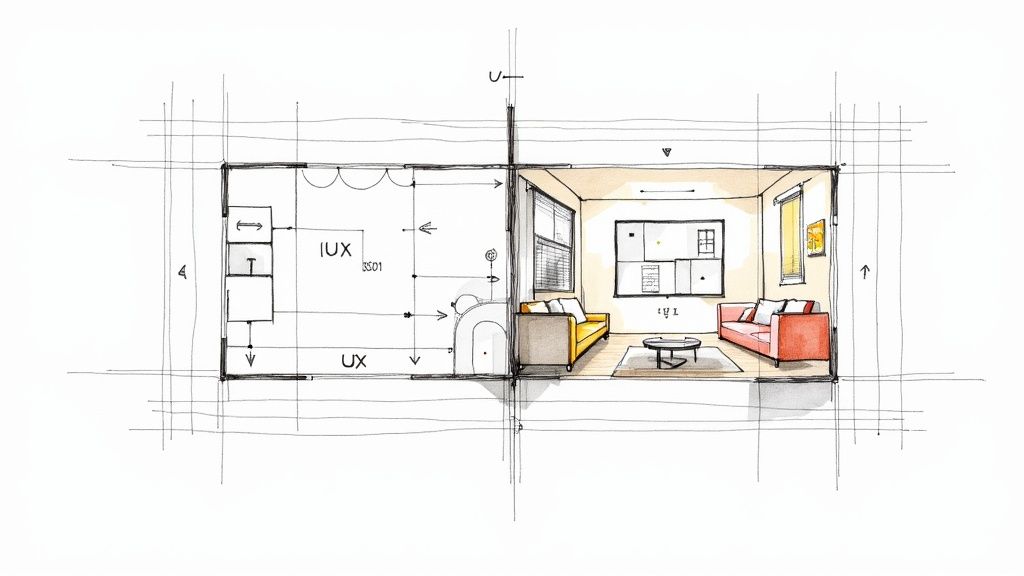
You’ve probably heard the terms 'UI' and 'UX' thrown around together. They're often mentioned in the same breath because they're a team, but they play very different roles. Getting the distinction is key to understanding what really makes a website work.
Let's think of it like building a house here in the Okanagan.
The Blueprint and The Decor
User Experience (UX) design is the architectural blueprint. It’s all the deep, structural thinking that happens before a single wall goes up. The UX designer is asking the big-picture questions: How many bedrooms do we need? Does the kitchen flow naturally into the dining area? Is there an easy, intuitive path from the front door to the main living space?
The whole point of UX is to map out a home that’s functional, logical, and just plain easy to live in. It's the solid foundation and smart layout that makes everything feel right.
User Interface (UI) design, on the other hand, is the interior decorating. This is all the stuff you actually see and touch that turns a structure into a beautiful, welcoming home. The UI designer is choosing the paint colours, the light fixtures, the style of the kitchen cabinets, and the texture of the flooring. Their focus is on the look, the feel, and every interactive detail.
So, one is all about the underlying structure and overall feeling (UX), while the other is about the visual presentation and direct interaction (UI).
You can have the most beautiful house in the world (great UI), but if the layout is a confusing maze (bad UX), nobody will want to live there. Likewise, a perfectly functional house (great UX) that looks drab and uninviting (bad UI) won't feel like a home.
How They Work Together on Your Website
On your website, these two disciplines have to work in perfect harmony. The UX designer starts by mapping out your customer's journey, making sure they can find your services, learn about your business, and get in touch without any friction. They build the wireframe—the bare-bones skeleton of your site.
That's when the UI designer steps in to bring that skeleton to life.
-
UX decides: “We need a button right here to help users get a quote.”
-
UI decides: “That button will be our brand’s specific colour, have slightly rounded corners, and will subtly animate when you hover over it.”
See how they collaborate? UX provides the skeleton, and UI adds the skin. You absolutely need both to create a website that truly welcomes customers and makes them want to stick around. If you’re looking to get both sides of this equation right, having a partner to guide the process is key—feel free to reach out to our team.
A Look Inside the UI Designer's Toolkit
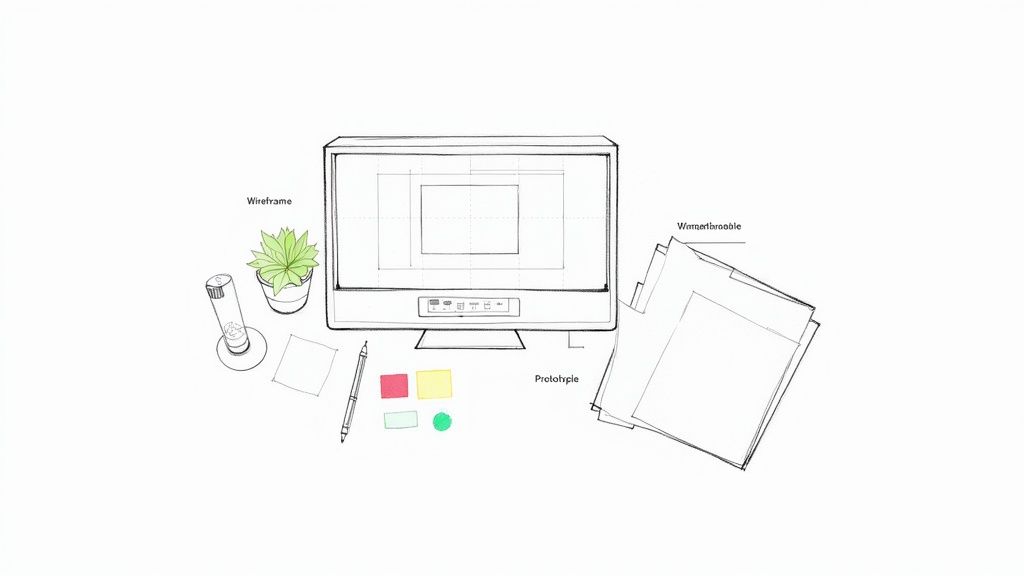
You don’t need to become a designer yourself, but knowing a bit about the craft helps you appreciate what goes into building a great interface. So, let’s pull back the curtain and look at the tools professionals use to bring an idea to life.
It's a lot like knowing about the quality knives and pans a chef uses—it gives you a whole new respect for the incredible meal they put on your plate.
From Blueprint to Beautiful Design
Every great design starts with a plan. The journey often begins with a simple sketch, sometimes just on paper, before moving into specialized software to build out a more structured foundation.
-
Wireframing Software: Think of tools like Balsamiq or Miro as the architectural blueprints for a website. They create simple, black-and-white layouts that focus purely on structure and function. This step is all about figuring out where buttons and text will go without getting distracted by colours or graphics. It's how we nail down the user's path first.
-
Prototyping & Design Platforms: This is where the magic really happens. Industry-standard tools like Figma, Sketch, and Adobe XD are the digital canvas where designers create high-fidelity, pixel-perfect visuals. They use these platforms to choose colour palettes, define fonts, and craft every single element you see. Better yet, they can build interactive prototypes that let you click through the site as if it were already live.
Understanding these tools helps you see the incredible detail and strategy that goes into professional user interface design. It’s a deliberate, thoughtful process—not just splashing some paint on a template.
The Unsung Heroes of UI
Beyond the big design platforms, a few other tools are absolutely essential for getting the job done right.
-
User Research Tools: Before a single pixel is placed, we have to understand the user. This is where research comes in, and you’d be surprised how much you can learn. In fact, it’s possible to conduct effective user research on a shoestring budget to gather feedback and make smarter choices right from the start.
-
Collaboration Software: Great design is a team sport. Keeping designers, developers, and clients on the same page is crucial. Tools like Slack and Asana are the glue that holds the project together, ensuring everything moves forward smoothly and everyone's voice is heard. We believe in partnership, and these tools help make it happen.
At Navigator, our team uses a curated set of these professional tools to build beautiful, effective websites for our partners.
How a Great UI Helps Your Business Actually Grow
This is where the rubber meets the road. How does a well-designed user interface help your business, right here in Vernon or West Kelowna, connect with more people and, ultimately, make more money?
It all comes down to trust.
Think about it. When you land on a website that looks sharp, professional, and is dead simple to use, you immediately feel more at ease. A great UI builds instant confidence, making visitors feel secure enough to stick around, explore your offerings, and feel good about taking that next step.
Turning Clicks into Customers
Your website should be your most valuable employee, working 24/7. A strong UI is what gives it the right tools for the job. You'd be surprised how much of a difference a few thoughtful touches can make to your bottom line.
-
Making Contact a Breeze: Is your phone number easy to spot on every single page? Can someone fill out your contact form without wanting to throw their computer out the window? Good UI removes all that friction.
-
Showcasing What You Do: Are your services laid out in a way that's easy to scan and digest? A clean, logical structure helps people immediately grasp the value you provide.
-
Building Instant Credibility: A polished, modern design sends a clear signal. It tells visitors you’re a serious, professional operation that cares about their experience from the get-go.
These seemingly small details compound into a much bigger result. We’ve seen it time and again with our own clients: a strategic UI overhaul can dramatically boost conversion rates, turning more of your website traffic into real, paying customers.
A website with a strong user interface doesn't just look pretty; it actively works to build relationships and grow your business. It anticipates what your customers need and delivers it before they even have to think about it.
If you have a nagging feeling that your site could be working harder for you, a professional audit of its user interface is the absolute best place to start. Getting an expert partner to help you map out the right strategy can make all the difference.
Common Questions About UI Design
We get these questions all the time from business owners, and it makes perfect sense. When you first start digging into user interface design, it can feel like a whole new world. So, let’s clear the air and tackle a few of the most common questions we hear.
How Much Does Good UI Design Cost?
The honest answer? It really depends on the project's scope. A simple, clean website for a local service business is a completely different beast than a massive e-commerce site with thousands of products and complex user accounts.
Think of it as an investment in your digital storefront. A polished, intuitive UI builds trust, guides customers, and ultimately pays for itself by bringing in more business. We always work closely with our clients to find a solution that fits their budget and delivers on their goals.
Can I Design My Own Website UI?
Absolutely. Tools like DIY website builders are fantastic for getting a business online fast. They've made web design more accessible than ever, which is great.
However, professional UI design is its own craft. It involves understanding user psychology, mapping out conversion paths, and making sure your site is accessible to everyone. A DIY site might get the job done, but a professionally designed interface is built from the ground up to turn visitors into customers.
How Often Should I Update My Website's UI?
You don't need a complete teardown every year. A good rule of thumb is to take a hard look at your UI every 2-3 years. This gives you a chance to freshen things up, make sure everything works flawlessly on the latest devices, and realign the design with your evolving business goals.
Often, you don't even need a full redesign. Sometimes, small, strategic tweaks—like simplifying your navigation or making your call-to-action buttons more prominent—can make all the difference.
If your website isn't pulling its weight, Navigator Multimedia can help you turn it into your best salesperson. Contact us to start the conversation.