Shopify vs WooCommerce: Which One’s Right for Your Business?
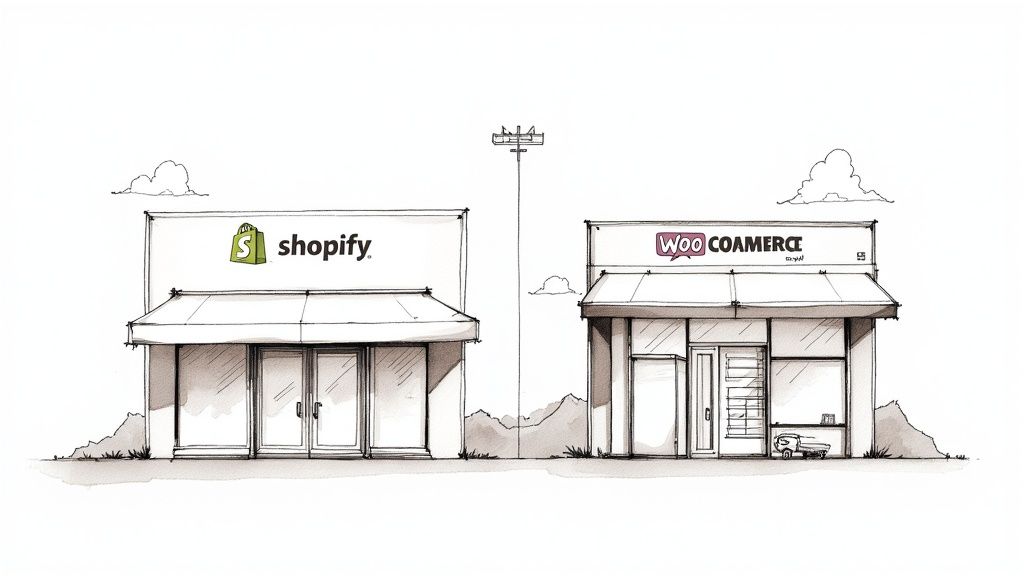
Choosing between Shopify and WooCommerce can feel like a huge, stressful decision. Let’s make it simple. Think of it like this: Shopify is like leasing a fully furnished, all-inclusive storefront in a high-end mall. It’s beautiful, secure, and ready to go. WooCommerce is like buying a plot of land where you can build your dream store from the ground up. It offers total freedom, but you’re in charge of everything.
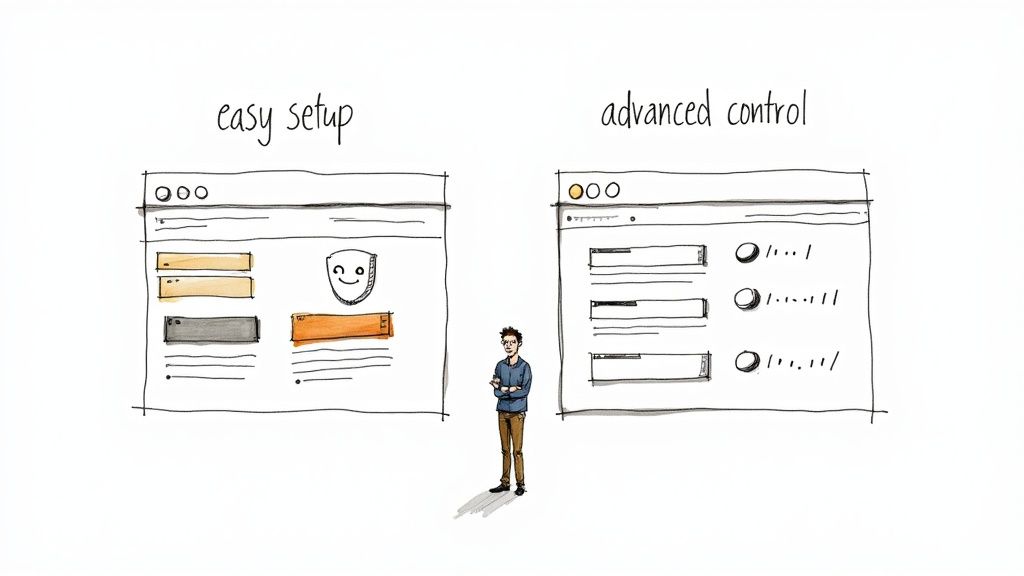
Your choice really comes down to whether you want simplicity and speed, or total control and customization.
Choosing Your Online Store Platform
Picking the right platform for your online store is a big deal. Get it right, and you’ve built a sales machine that works for you 24/7. Get it wrong… well, it’s a massive headache that, let's be honest, no small business owner has time for.
We talk to so many business owners here in Kelowna who feel stuck between these two. They’re both fantastic tools, but they’re built for different people and different comfort levels with tech. We’ll break down the real-world differences so you can feel good about your decision from day one.
At a Glance: Shopify vs WooCommerce
Before we get into the nitty-gritty, let's just look at the big picture. Shopify is streamlined for simplicity right out of the box. WooCommerce is more of a build-your-own-adventure—it offers incredible freedom if you have the technical confidence (or a trusted partner) to handle it.
This choice really matters. In Canada, Shopify has a huge footprint. As of early 2025, Shopify holds over 30% of the Canadian e-commerce platform market share, which is more than double the 13% share held by WooCommerce.
Here’s a quick overview of what you’re looking at.
| Key Aspect | Shopify | WooCommerce |
|---|---|---|
| Ease of Use | Super beginner-friendly; it's an all-in-one package. | Steeper learning curve; you have to manage hosting and updates. |
| Hosting | Included in your monthly fee. You don't have to think about it. | You have to buy and manage your own web hosting. |
| Customization | Good, but you're working within Shopify's system. | Nearly limitless; you can change pretty much anything. |
| Ongoing Cost | Predictable monthly subscription plus transaction fees. | Varies a lot depending on hosting, themes, and plugins. |
| Support | 24/7 support is included via chat, email, and phone. | Community forums and support from your hosting/plugin providers. |
Making this choice is a big first step. If you're feeling a little overwhelmed, or if you'd just rather spend your time on your products instead of your website, getting some expert help can make all the difference. Sometimes, having a partner to guide you through the setup is the smartest move you can make.
Comparing Daily Use and Management
Okay, let's talk about what it's actually like to run your store day-to-day. The setup is one thing, but your daily experience is what truly matters. You're trying to run a business, not become a part-time web developer.
You need a platform that just makes sense… one that works with you when you’re adding a new product or checking orders on a busy Tuesday afternoon. This is where Shopify and WooCommerce really show their different personalities.
The Shopify Experience: Straightforward and Guided
Shopify has built its reputation on being user-friendly, and it really lives up to the hype. It’s an all-in-one, fully hosted solution. That's a fancy way of saying they handle all the technical headaches for you. Forget about software updates, security patches, or server issues—Shopify takes care of it all.
From the moment you log in, the dashboard is clean and makes sense. Adding products, fulfilling orders, and managing your inventory is incredibly intuitive, even if you’re not a "tech person." The whole system is designed to get you selling as quickly as possible.
The real magic of Shopify is that it just works. You're free from worrying about the technical stuff like website speed or security. Instead, you can pour all that energy into what you do best: selling your amazing products.
The platform guides you through every step. For a business owner in Penticton who just wants to get their products online without any fuss, this simplicity is a huge win. Customization is easy, too, with drag-and-drop tools that let you design your storefront without ever looking at a line of code. It’s a polished, efficient experience from start to finish.
The WooCommerce Experience: Powerful and Hands-On
WooCommerce works differently because it's a plugin for WordPress. This changes everything about how you manage your store. If you’re already a pro with WordPress, you’ll feel right at home—WooCommerce just adds a new set of tools to a dashboard you already know.
But if you’re new to the whole WordPress world, there's a bit of a learning curve. You’re basically learning two systems at once. That's not a bad thing, but it’s something to be aware of.
The payoff for that extra learning is a mind-boggling amount of power and control. Because you're self-hosting, you take the reins on a few key things:
-
Updates: You’re in charge of updating WordPress, your theme, and all your plugins, including WooCommerce itself.
-
Backups: It's on you to make sure your site is backed up regularly in case something goes wrong.
-
Security: You'll need to set up your own security measures, usually with a special plugin.
While this might sound like a lot, it gives you total control over every single piece of your store. For a West Kelowna business with a very specific vision—maybe a custom booking system or complex product options—this flexibility is priceless. It lets you do things that are really hard to pull off on other platforms. We've helped many clients use this control, whether we’re building a great Shopify e-commerce store or a fully custom WordPress site.
So, the real question is about your working style. Do you want a guided system that does the heavy lifting for you, or do you want the keys to the kingdom to build whatever you can imagine? Your answer will probably point you to the right platform.
Breaking Down the Real Cost of Your Online Store
Let’s talk money. When you're launching an online store, the price tag you see upfront is just the beginning. To build a real budget and avoid any nasty surprises, you need to understand the full financial picture.
With Shopify, the costs are usually more straightforward. You pay a consistent monthly fee that covers your hosting, security, and access to their support team. It’s a clean, all-in-one package that makes it easy to plan your budget. Think of it like a subscription service for your entire e-commerce business.
On the other side, WooCommerce itself is a free plugin, which sounds amazing. But remember, it’s just one piece of the puzzle. To actually get your store online, you'll need to find and pay for several other essential parts yourself.
The A La Carte Costs of WooCommerce
Because WooCommerce is self-hosted, you're in the driver's seat. This gives you amazing flexibility, but it also means you'll be managing a few separate bills to keep the lights on.
-
Web Hosting: This is the digital space where your store lives online. Costs can start from just a few dollars a month for basic shared hosting and go up from there as your traffic grows.
-
Domain Name: This is your store's address (like
your-okanagan-business.ca). It's usually an annual fee, typically around $15-$25 per year. -
SSL Certificate: This is super important for keeping your customers' data safe and getting that little padlock icon in the browser. A lot of hosting plans include this for free now, but if not, it's an extra annual cost.
-
Premium Themes & Plugins: While there are great free options, you'll likely need to buy some paid tools for specific features, like advanced shipping rules or a custom product designer. These can be one-time purchases or annual subscriptions.
Watching Out for "Hidden" Costs on Both Platforms
No matter which platform you choose, a few expenses tend to catch business owners by surprise. Knowing about them upfront is key to making a smart financial choice.
The biggest budget shock for new store owners often isn't the platform fee. It’s the small, recurring costs from payment processing and essential apps that really add up.
Payment processing fees are just a part of doing business online. Both platforms connect to payment gateways that charge for processing credit cards, usually around 2.9% + 30¢ per transaction. It’s important to know that Shopify charges an extra transaction fee on top of this if you decide not to use their built-in Shopify Payments gateway.
Then you have the apps. Both Shopify and WooCommerce have huge marketplaces filled with tools to add new features to your store. Need better email marketing? Want to add customer reviews? There’s an app for that. Many of these come with their own monthly fees, which can add up quickly.
Estimated First-Year Costs for a New Store
So, what does this all mean for a new business in Penticton or Vernon? To help you compare, we've put together a realistic estimate of what your first year might look like on each platform. It's not exact, of course, but it gives you a solid idea for the Shopify vs. WooCommerce cost debate.
This table breaks down the common expenses you can expect when starting from scratch.
| Cost Item | Shopify (Typical Range) | WooCommerce (Typical Range) |
|---|---|---|
| Platform Fee | $468 – $948/year (Basic/Shopify plans) | $0 (The plugin is free) |
| Hosting | Included | $100 – $300/year |
| Domain Name | ~$20/year | ~$20/year |
| Premium Theme | $0 – $250 (One-time) | $0 – $100 (One-time or annual) |
| Essential Apps/Plugins | $120 – $600/year | $100 – $500/year |
| Developer Help | Less likely needed for setup | Maybe a few hours ($100 – $500) |
| Estimated Total Year 1 | $600 – $1,800+ | $320 – $1,420+ |
As you can see, WooCommerce can have a lower entry cost if you're good at handling things yourself. But the total first-year costs for both platforms can end up being surprisingly close.
Ultimately, the right choice comes down to where you prefer to invest your resources: your money or your time. If you're still weighing the options, sometimes a quick chat with a professional can help you see the best path forward for your business. Feel free to reach out to our team anytime.
Evaluating Design Flexibility and Customization
Your online store is your digital storefront—it’s the first impression you make. It absolutely needs to look sharp and perfectly reflect the brand you’ve worked so hard to build. How you get that look and feel is one of the biggest differences between Shopify and WooCommerce.
One platform gives you beautiful, guided simplicity. The other offers a wide-open world of endless possibilities… which comes with its own challenges. Neither is better; they’re just built for different goals.

Shopify Themes and Customization
Shopify is all about making professional design easy, right out of the box. The platform offers a hand-picked selection of beautiful, mobile-friendly themes. While some are free, the premium ones have a one-time cost, but every single one is checked for quality and performance.
The big idea behind Shopify’s design process is to let you create a stunning store without ever having to touch a line of code. Their simple theme editor makes it easy to:
-
Change colours and fonts to match your brand with just a few clicks.
-
Rearrange sections on your homepage using a drag-and-drop tool.
-
Add new pages and product collections without worrying about breaking the layout.
This approach is fantastic for getting a polished, professional-looking store live quickly. It’s like buying a beautifully designed new home; you can paint the walls and arrange the furniture, but you can’t exactly knock down a wall without a lot of extra work. The structure is set, giving you creative freedom within a reliable system.
For many business owners, especially those just starting out, this is a huge relief. You’re guaranteed a fast, secure, and great-looking site without needing a design degree. It lets you focus on your products, not your code.
This controlled environment makes sure that no matter what you do, your site will almost always stay fast and functional. For a business in Kelowna that wants a beautiful, effective online presence without the technical stress, Shopify’s approach is incredibly appealing.
WooCommerce Themes and Customization
WooCommerce, on the other hand, lives in the WordPress world, which means its design flexibility is practically limitless. If you can dream it, you can probably build it. This is where WooCommerce really shines for anyone with a unique vision.
You have access to thousands of themes from countless developers, so you can find a look for just about any niche you can imagine. More importantly, you have the freedom to change anything. Want a totally unique checkout process or a custom product configurator for your Okanagan winery? A skilled developer can make that happen.
Of course, this level of control can be a double-edged sword. While the potential is amazing, it can also be overwhelming. Just finding the perfect theme among thousands of options is a big job, and customizing it often requires some tech skills, whether it’s a bit of CSS or digging into theme files. For really complex changes, working with an agency that specializes in custom WordPress development is often the smartest way to go.
Ultimately, the choice comes down to what you value more: guided simplicity or boundless freedom. Shopify gives you the tools to build a beautiful store quickly and confidently. WooCommerce hands you the blueprint and a full toolbox, letting you build anything you want—as long as you have the skills (or the right partner) to do it.
Planning for Growth and Scalability
It’s an incredible feeling when your business really starts to take off. Maybe a product you just launched is flying off the shelves, or a mention in a local Kelowna publication sends a flood of new customers your way. This is the moment you’ve been working for… but it can turn into a nightmare if your website can't handle it.
So, what happens when your business grows? You need a platform that can grow with you without buckling under pressure. Thinking about this from the start is a major fork in the road when choosing between Shopify and WooCommerce.
Shopify and Hands-Off Growth
From the ground up, Shopify is built to handle the big moments. As a fully hosted, all-in-one solution, their team manages all the technical stuff behind the scenes. This means you don’t have to lie awake at night wondering if your site is going to crash during a huge Black Friday sale.
Shopify takes care of all the things you probably don't want to think about:
-
Server Upgrades: When your traffic spikes, Shopify’s system automatically handles the extra load. You don't have to do a thing.
-
Security Patches: You don’t have to lift a finger to keep your store safe from online threats. It just happens.
-
Performance: Their entire business depends on making sure their stores are fast and reliable, so they're always optimizing things.
Basically, you’re paying for peace of mind. Your monthly fee covers all of this invisible but super important work. This frees you up to focus on marketing, managing inventory, and talking to your customers instead of wrestling with your website. For many business owners, that's a huge weight off their shoulders.
Growth should be exciting, not stressful. A platform that handles the technical side of scaling lets you celebrate your success instead of troubleshooting a crashed website at midnight.
This visual helps frame how you think about your growth path and the level of responsibility you want to take on.
The key takeaway here is that Shopify offers a paved highway for growth. WooCommerce gives you a powerful toolkit to build your own road.
WooCommerce and Taking Control of Your Scale
With WooCommerce, you are in the driver’s seat. Because it’s self-hosted—meaning you choose and manage your own web hosting—you are completely in charge of your own setup. When your business is just starting out, a basic hosting plan works just fine. But as your traffic grows, it's on you to upgrade.
This means you’ll need to move to a more powerful server or a hosting plan that can handle thousands of visitors at once without slowing down. This control is actually a huge advantage for some, as it lets you perfectly tune your performance and costs. You never pay for resources you don't need.
However, that control comes with a big dose of responsibility. If your site goes down during a big sale, it’s up to you (or your web partner) to figure out the problem and get it back online. For many business owners in Vernon or Penticton, managing servers and fixing tech glitches is the last thing they want to add to their to-do list.
This is where having a reliable partner can make all the difference. We’ve worked with many clients who love the unlimited flexibility of WooCommerce but want the confidence of having an expert team on call. When something breaks, we’re the ones who jump in and fix it—fast.
Ultimately, choosing between these two is about knowing yourself and your business. Do you want a system that handles growth for you automatically, or do you prefer to have direct control over your technical destiny? If the thought of managing hosting plans and security updates feels overwhelming, having an expert team in your corner is the best way to prepare for growth. You can always get in touch with us to talk about what that kind of partnership looks like.
Which Platform Is Right for Your Business?
After all that, let's get down to what really matters. When you're standing at this fork in the road, remember there's no single "best" choice. There's only the best choice for your unique business, right here in the Okanagan.
The clearest way to decide is to look at your specific situation. Let's cut through the noise and figure out which path makes the most sense for you.
Shopify for Simplicity and Speed
For many local businesses, Shopify is the perfect fit if your main goals are simplicity and speed. It’s an all-in-one solution designed to get you selling fast, with predictable monthly costs and no technical headaches.
You should lean towards Shopify if:
-
You want a platform that just works, without worrying about hosting or security.
-
Your products are fairly straightforward.
-
You value beautiful, easy-to-use themes that look professional right away.
-
You want the peace of mind that comes with 24/7 support being just a click away.
Think of it this way: with Shopify, you're spending less time tinkering with your website and more time focusing on marketing, packing orders, and connecting with your customers.
WooCommerce for Control and Customization
On the other hand, WooCommerce is the undisputed champion of flexibility. It’s the better choice if you have complex needs, a very specific vision for your brand, or want total control over every aspect of your online store.
WooCommerce is probably your best bet if:
-
You need deep customization for unique products, like a Kelowna winery with special shipping rules or a tourism business with complex booking needs.
-
You're already comfortable using WordPress and enjoy having full control.
-
You want to own your data and have the freedom to choose your own hosting.
-
You’re okay with the hands-on responsibility of managing updates and security yourself.
This path gives you incredible power to build exactly what you imagine. For a more detailed look at the options available, you can check out our guide on the best e-commerce platforms for a broader comparison.
The decision really comes down to what you value most: the convenience of an all-in-one system or the unlimited potential of a completely open one. Both can lead to incredible success.
Making this choice is a big first step. If you're still feeling a bit stuck, or if you'd honestly rather spend your time perfecting your products instead of building a website, that's where a partner can help. Turning your website into your best salesperson is what we live for. Feel free to get in touch with us—we’re always happy to chat.
Frequently Asked Questions
You’ve got questions, and that’s a good thing. Choosing between Shopify and WooCommerce is a big decision, and we hear a lot of the same worries from business owners all over the Okanagan. Here are a few common questions we get, with our honest, straight-up answers.
We're happy to share what we've learned from being in the trenches with businesses just like yours.
Is Shopify or WooCommerce Better for SEO?
Honestly, both platforms can be fantastic for search engine optimization (SEO), but they get there in different ways. Your success will have more to do with your strategy—like creating great content and choosing smart keywords—than the platform itself.
WooCommerce, because it’s built on WordPress, gives you an incredible amount of control. With a powerful plugin like Yoast SEO, you can fine-tune almost every single technical detail. It’s a dream for anyone who loves to get their hands dirty with optimization.
Shopify has very strong built-in SEO features and handles many of the technical things automatically, which is a huge relief for a lot of people. You have a bit less direct control over the tiny details, but it covers all the important bases right out of the box.
Can I Switch Platforms Later On?
Yes, you absolutely can, but it's a major project. Moving everything—your products, customer lists, and order history—requires careful planning and special tools to avoid losing important data or hurting your search rankings.
Think of it like moving your entire brick-and-mortar store to a new location overnight. It’s possible, but you want to make sure you don’t lose any inventory or confuse your customers in the process.
This is often a job where getting expert help is a smart investment. A smooth move without disrupting your business is the goal, and a partner can help make sure nothing falls through the cracks. If that’s a step you’re considering, it’s worth a conversation about how to do it right. You can always reach out to our team for advice.
Which Platform is Better for Okanagan Wineries or Tourism?
This is a great question, and the answer really depends on your business.
For a local winery focused on straightforward bottle sales, Shopify is often a perfect fit. It makes selling products online simple, secure, and fast.
However, for a tourism business offering customizable tour packages, event tickets, or accommodation bookings, WooCommerce's flexibility is a massive advantage. Its open nature allows for special calendars, unique pricing rules, and complex booking systems that might be tough to build on Shopify. We’ve worked with many local tourism and winery businesses to build custom solutions on both platforms that perfectly match how they operate.
Deciding between Shopify vs WooCommerce is a huge first step, and you don't have to take it alone. If your website isn’t pulling its weight, the team at Navigator Multimedia can help turn it into your best salesperson.